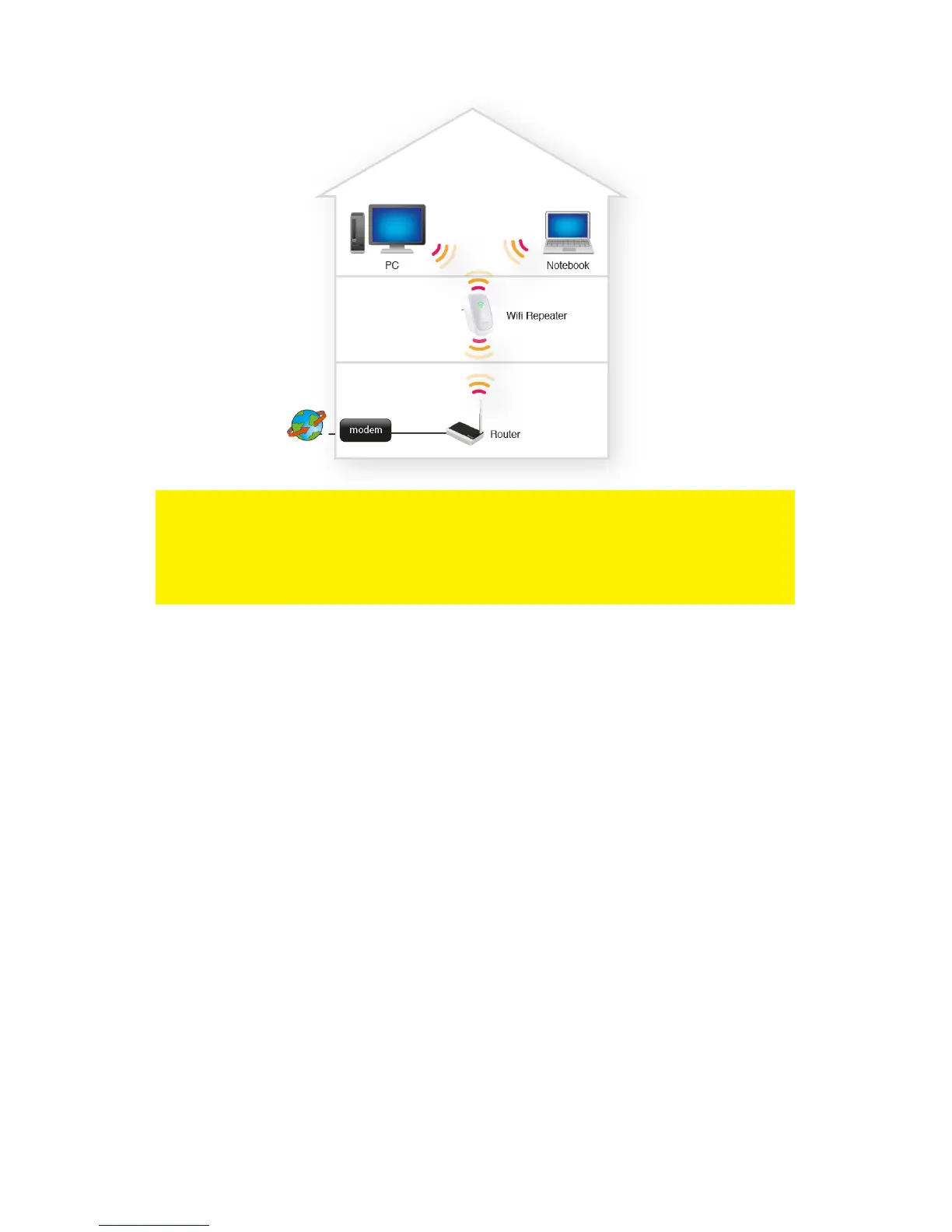
Hint: Before placing the EM4591 on its destined location, the device needs to be
setup. Setting up the EM4591 wireless repeater can be done best, if the EM4591 is
located near your wireless router. After setting up the EM4591, you can place the
EM4591 at a location defined by using the signal indicator LEDs and the
recommended setup as described previously.
3.0 Configure the wireless repeater using the
WPS button
1. Please check if your wireless router has a WPS button. Also, check whether your
wireless router has a properly configured internet connection.
2. Connect the EM4591 to a wall outlet.
3. Wait for the LED to turn green (flashing).
4. Press the WPS button on your wireless router for approximately 3 seconds*.
5. Now press the WPS button on the EM4591 Wireless Repeater for approximately 5
seconds. Refer to the following image for the WPS button:



 To Next Page