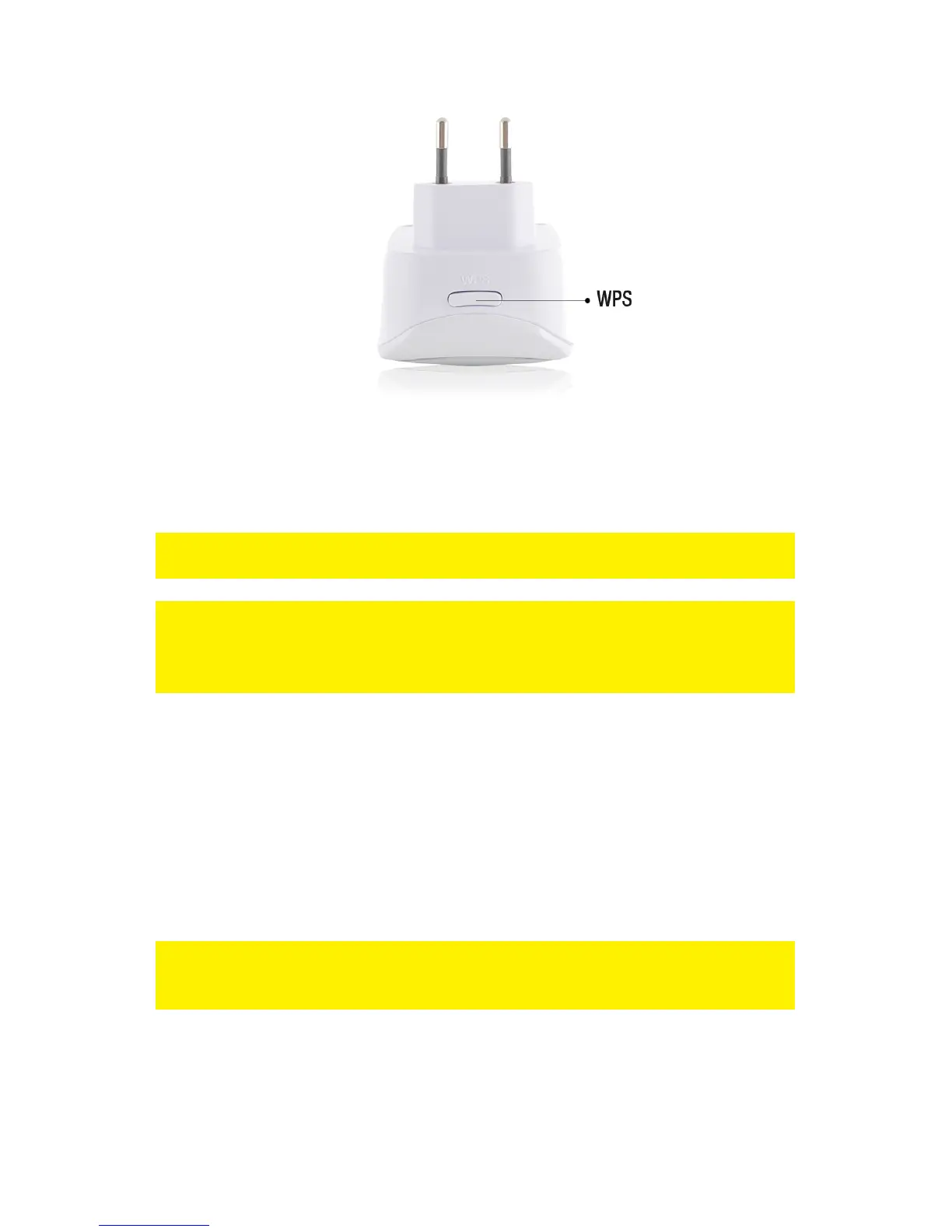
6. The connection between your wireless router and the EM4591 wireless repeater
will be established automatically (this will take approx. 1 minute including reboot).
The signal indicator will stop flashing and indicate the signal strength.
*Refer to the manual of your wireless router for the exact duration of pressing the
WPS button. This can differ from brand or model.
Note: If the WPS button is used, the SSID and network key are the same as used on
your wireless router. Some WPS routers will change their original SSID to another
SSID if WPS is used. In this installation guide, the SSID of the wireless router is
‘Eminent’.
4.0 Connecting a wireless WPS adapter to the
EM4591
1. Press the WPS button on the EM4591 for about 2-3 seconds.
2. Now press the WPS button on your wireless adapter.
3. If correct, the connection between the wireless WPS adapter and EM4591 will be
established. Depending on the Windows version you are using, you should see a
connected icon in the taskbar.
Note: Some wireless WPS adapters require the use of the supplied software to create
a WPS connection. Refer to the manual of your wireless WPS adapter for more
information.
5.0 Configuring the EM4591 manually
It is possible to configure the repeater manually instead of using the WPS button.



 To Next Page