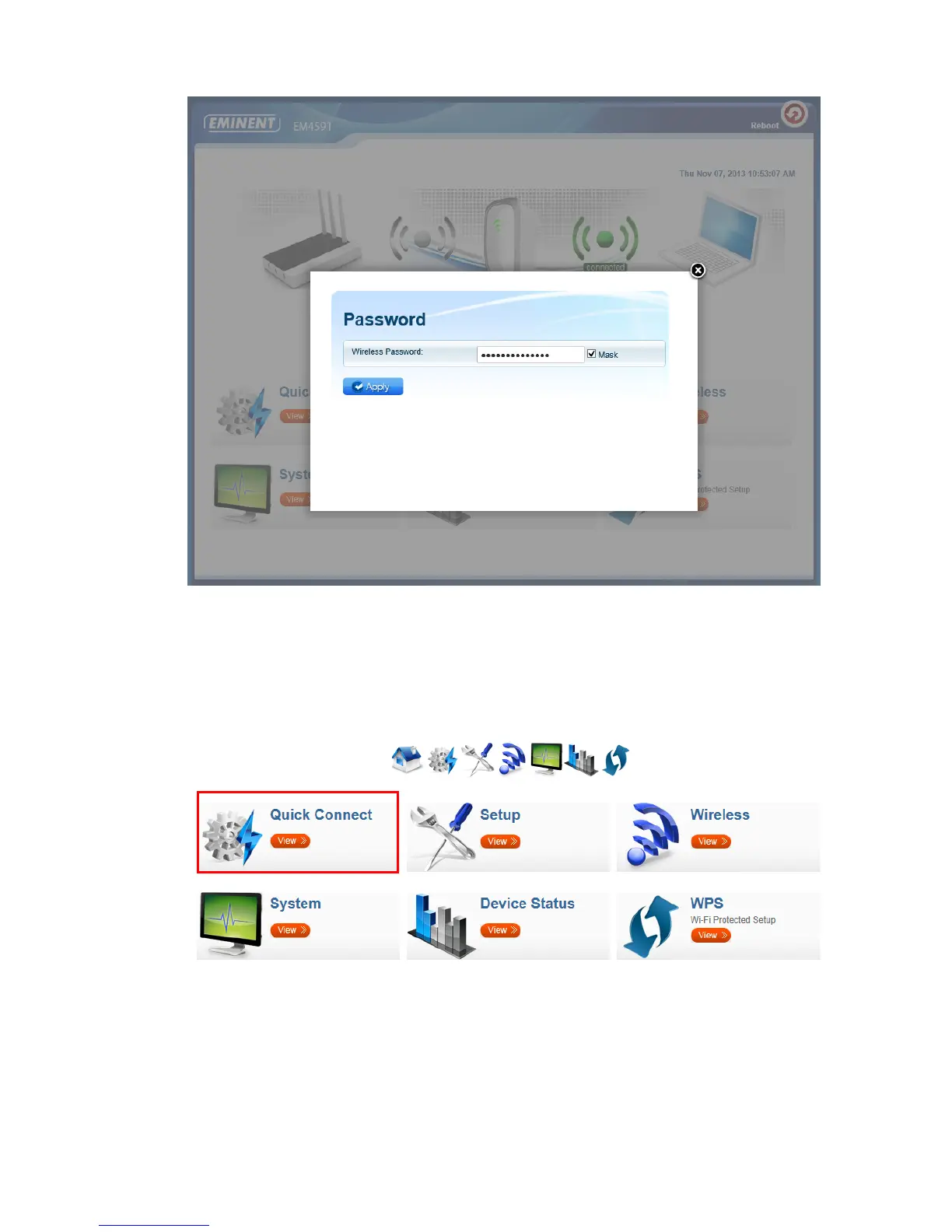
8. In the next step you will need to enter the WPA Passphrase of the Wi-Fi network
you wish to connect to and lick “Apply”. After the settings have been applied, the
EM4591 will reboot and connect to your wireless router.
9. The following steps will explain how to configure the EM4591 if the device does
not automatically start the wizard.
10. Click “Quick Connect”



 To Next Page