3
Set up for a single Emlid rover without correction
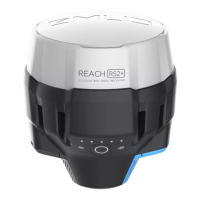
Follow the guide above (Connecting the Emlid Flow App to the Emlid unit) to connect your phone
or tablet to the Emlid Reach RS2 / RS2+ / RS3 unit.
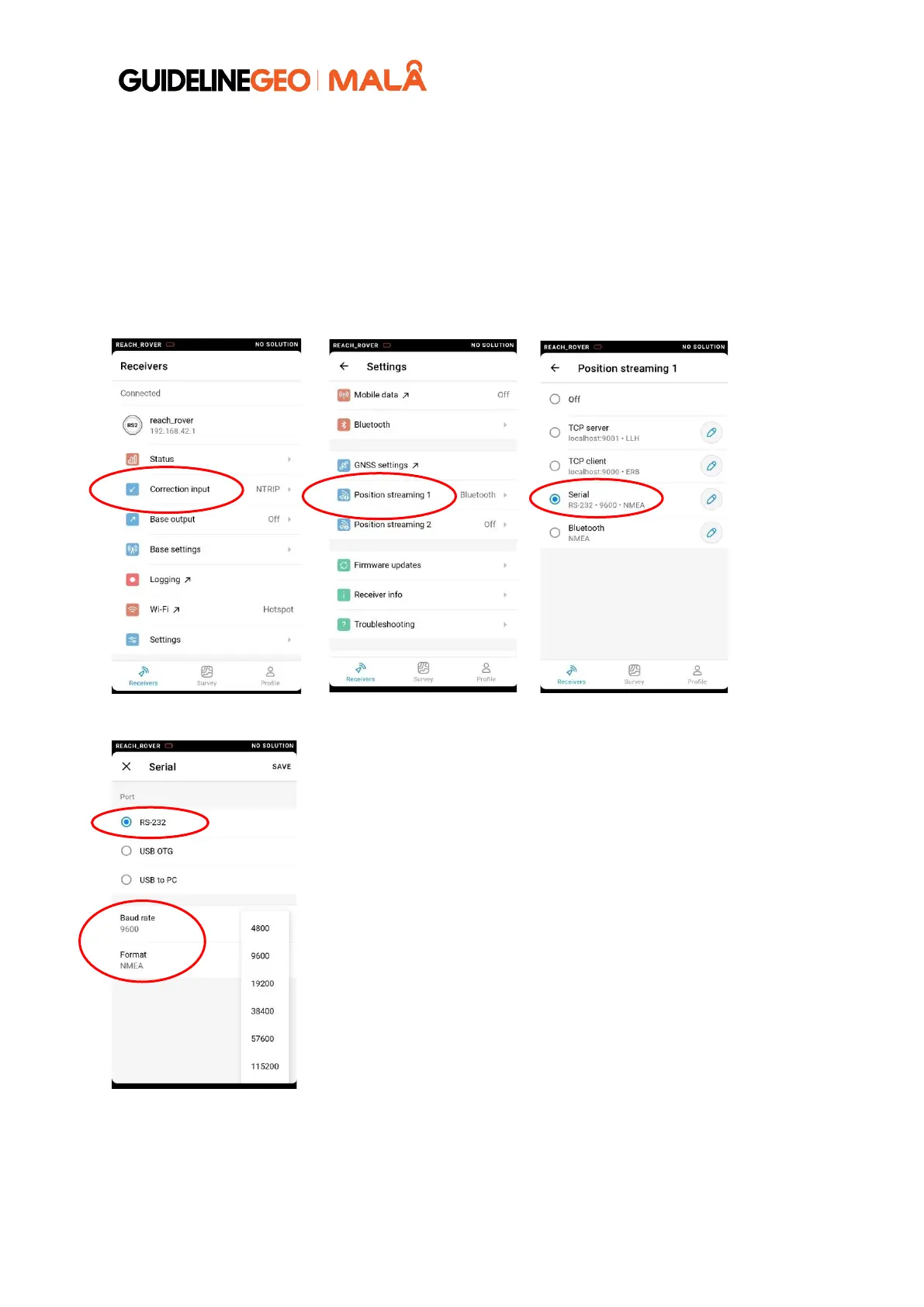
Go to the Settings menu in the Emlid Flow app and choose Settings and then Position Streaming
1 (Position streaming 2 should be OFF). Set this to Serial and press on the pen symbol to choose
RS-232, baud rate (e.g., 9600 or 19200) and format (NMEA).



 To Next Page