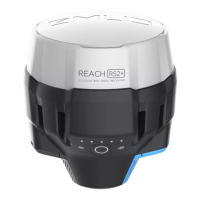
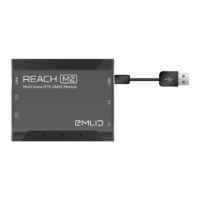
4
Note: Set the refresh rate of the Emlid unit to 5 Hz or more to receive adequate coordinates to
position the GPR effectively.
Note: The settings used for Baud Rate must be the same in the Emlid Flow app as well as in the
MALÅ GX or EL WR Controller.
Go to the Settings menu in the MALÅ GX / EL WR Controller, press and
choose
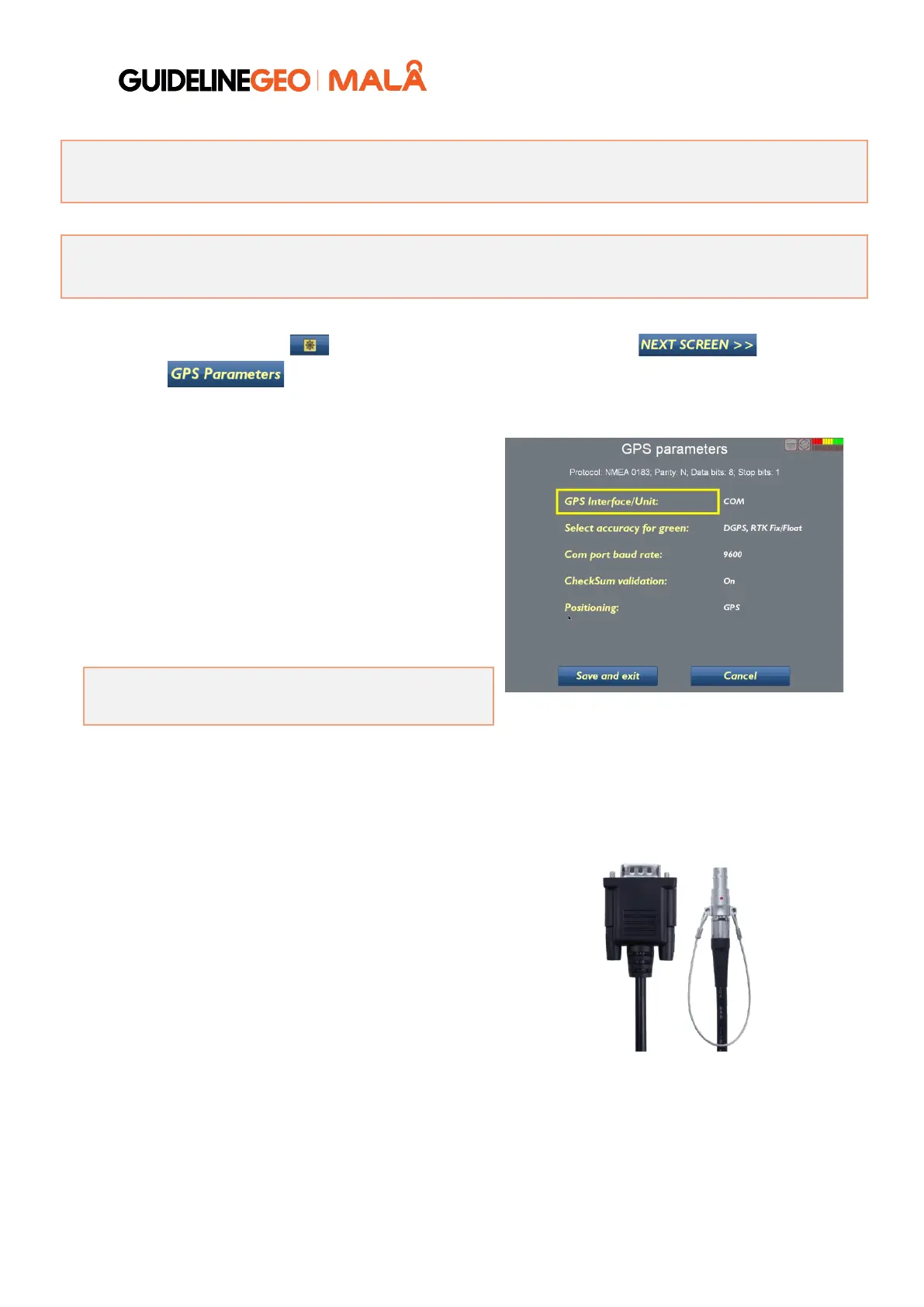
Set the GPS Interface/Unit to COM for
communication with RS-232 cable. Now the
settings for accuracy, baud rate and checksum can
be made.
The Select accuracy for green option allows the
user to set the tolerance for the GNSS precision
indicator displayed at the top right of the monitor's
screen while in operation. High is used when
utilizing an RTK GPS.
Note: Select the correct values for the Com port
baud rate (the same as in the Emlid Flow app).
The CheckSum validation option is used in most cases. For a Leica 1200 Robotic Total station, which
delivers an NMEA protocol without checksum, this should be turned OFF.
Connect the Emlid serial cable to the MALÅ
Controller (9-pin D-sub connector) and the Emlid
unit (to Ext).
When the positioning data is received, the GPS
indicator will be green, yellow or red. Coordinate
data is also displayed on the lower part of the GPS
Parameters window.
S/N 21-0055907 CBL103 Reach RS+/RS2/RS3 cable 2M
with DB9 female connector


 To Next Page
 Loading...