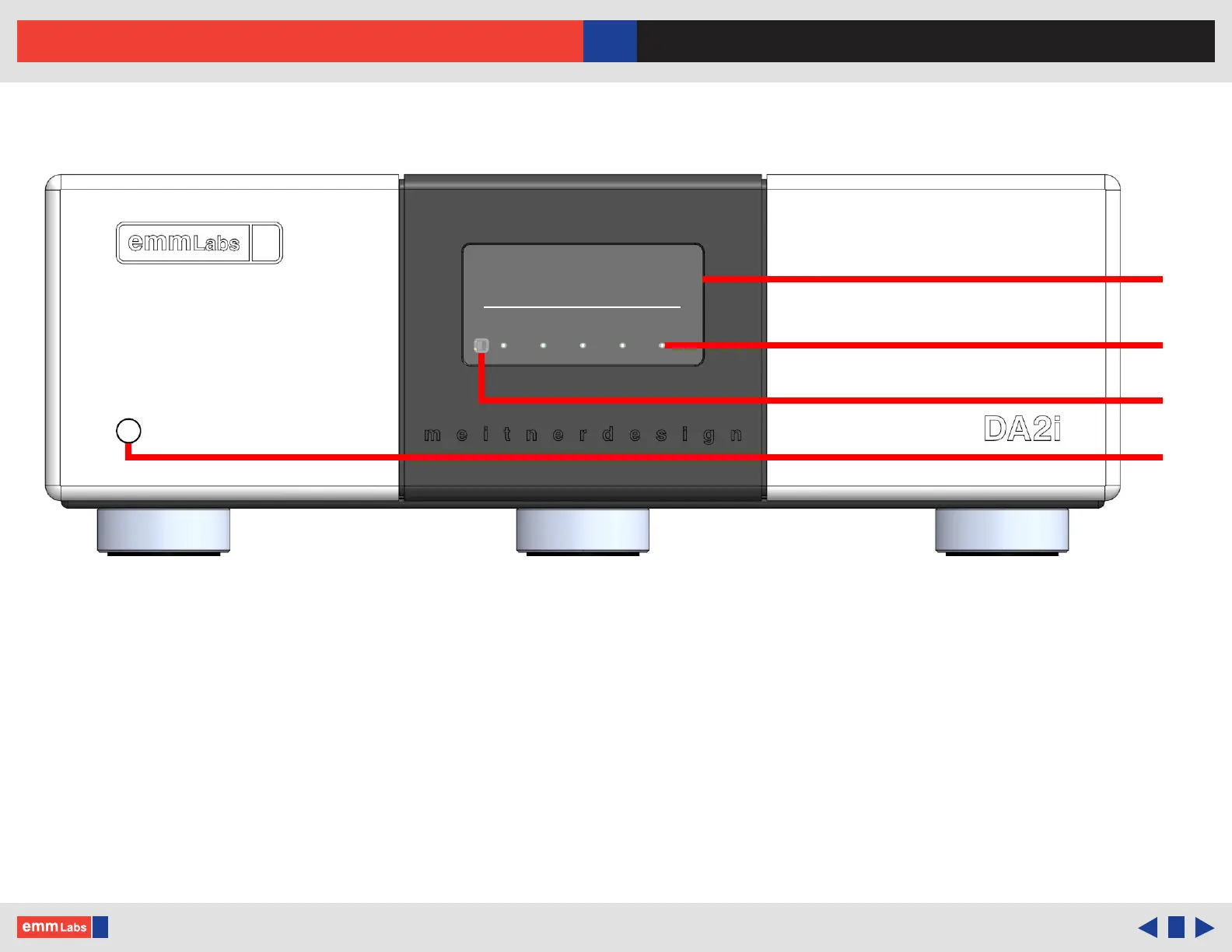
Front Panel & Functions
1. Display
2. Touch Buttons
3. Infrared Remote Sensor
4. Standby/Power-Save Button: Toggles the operation between on and standby mode.
e remote and all front panel functions are inactive in standby mode
DSD128
MUTE
MENU
POLARITY
◄ ►
INPUT
USB
© 2024 EMM Labs, All Rights Reserved. EMM Labs reserves the right to amend specifications & design without notice.
009
Front Panel & Functions
DA2i STEREO D/A CONVERTER OWNER’S MANUAL



 To Next Page