© 2024 EMM Labs, All Rights Reserved. EMM Labs reserves the right to amend specifications & design without notice.
012
Operation
DA2i STEREO D/A CONVERTER OWNER’S MANUAL
Operation
Main Screen
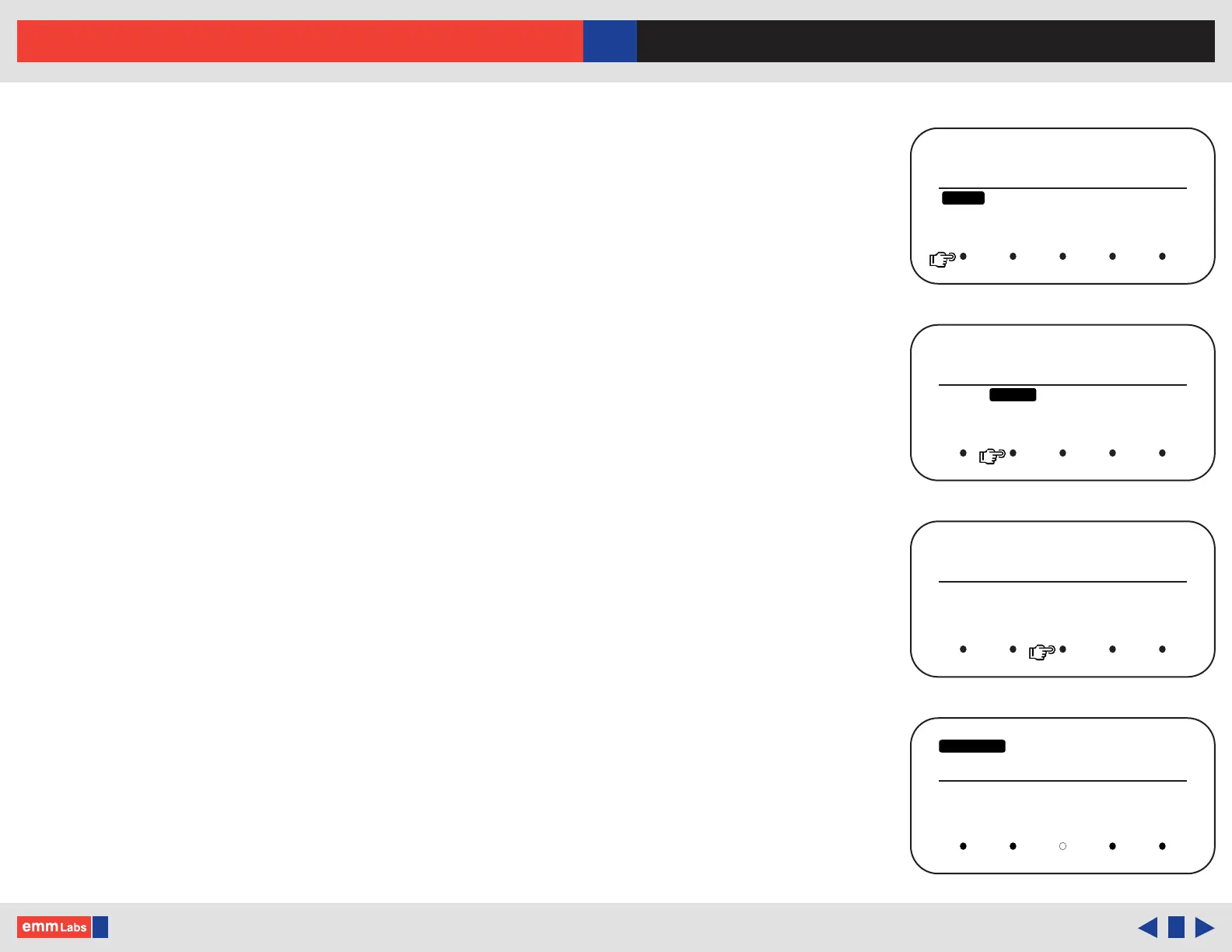
e main screen shows input and sample rate information from all the DA2i’s inputs. It
allows allows the end user to change the following settings:
Mute : Mute the DA2i by pressing the touch button directly below the “MUTE”
function on the display. When muted the display will show “MUTED” and
be highlighted
Polarity : Toggles the analog output polarity by pressing the touch button directly
below the “POLARITY” function on the display. When inverted the display
will show “POL INV” and be highlighted. is function is performed in the
digital domain
Menu : Engage the “MENU” function by pressing the touch button directly below
it. A new sub-menu will display the 4 menu functions (details next page):
• DISPLAY - Display brightness settings
• SCREEN SAVER - Screen saver settings
• FACTORY RESET - Resets the DA2i to factory default
• RESET NETWORK - Resets the network settings to factory default
Press “ENTER” to change a setting, “EXIT” to go back to the main screen
◄ ► : Use the back “◄” and forward “►” touch buttons on the main screen to
toggle or scroll through and select one of the DA2i’s inputs
DSD128
POL INV
◄ ►
MENUMUTE INPUT
POLARITY
USB
DSD128
MUTE
MENU
POLARITY
◄ ►
INPUT
MENU
USB
MUTED MENU
◄ ►
POLARITY
INPUT
USB
MUTE
DSD128
BRIGHTNESS SCREEN
SAVER
FACTORY
RESET
RESET
NETWORK
◄ ►
ENTER EXIT
MENU DETAILS



 To Next Page