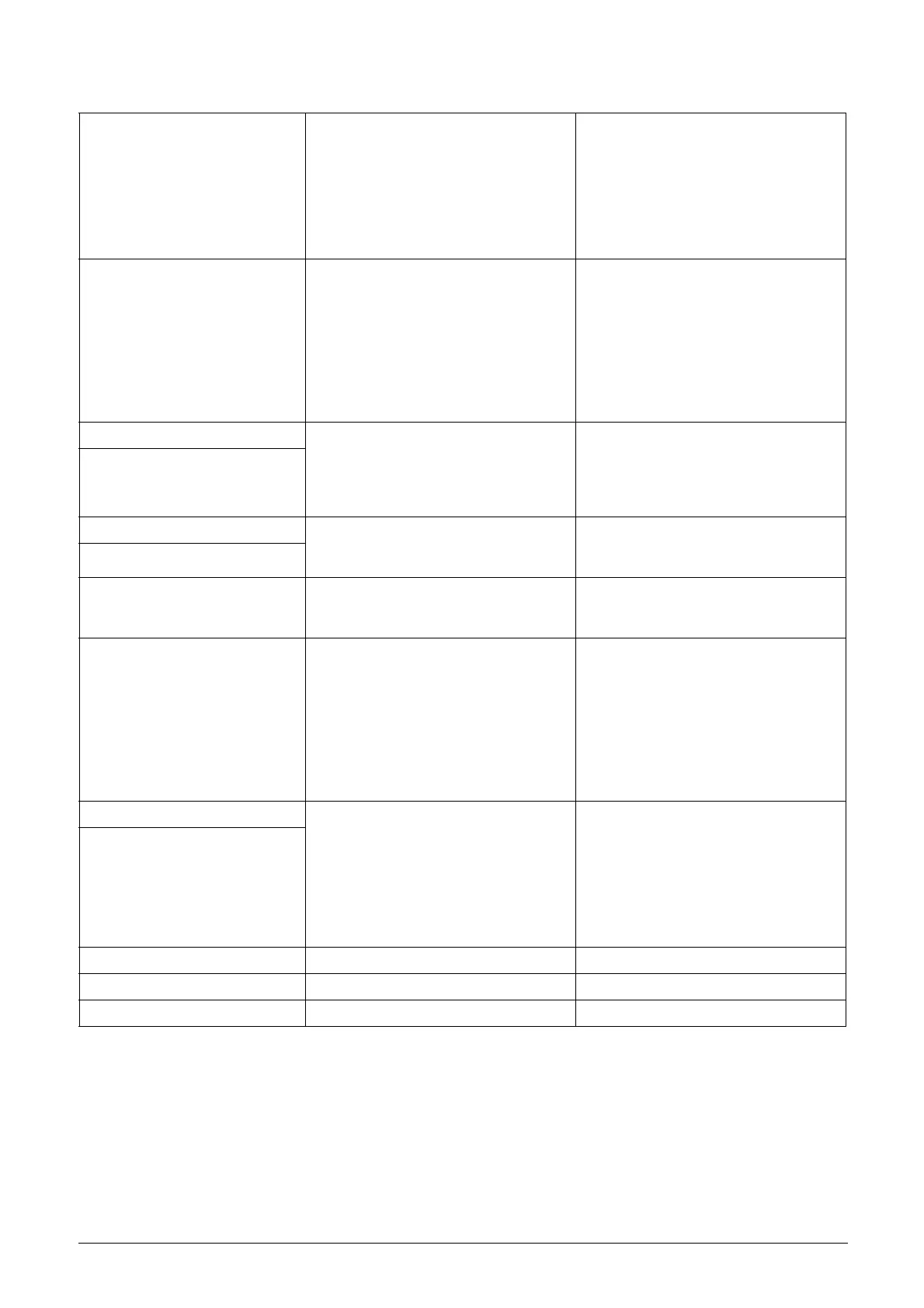
148 Troubleshooting, Diagnoses and Maintenance Emotron AB 01-3694-01r2
Over temp
Heatsink temperature too high:
- Too high ambient temperature of the
VSD
- Insufficient cooling
- Too high current
- Blocked or stuffed fans
- Check the cooling of the VSD cabinet.
- Check the functionality of the built-in
fans. The fans must switch on automa-
tically if the heatsink temperature gets
too high. At power up the fans are briefly
switched on.
- Check VSD and motor rating
-Clean fans
Over curr F
Motor current exceeds the peak VSD current:
- Too short acceleration time.
- Too high motor load
- Excessive load change
- Soft short-circuit between phases or
phase to earth
- Poor or loose motor cable connections
- Too high IxR Compensation level
- Check the acceleration time settings and
make them longer if necessary.
- Check the motor load.
- Check on bad motor cable connections
- Check on bad earth cable connection
- Check on water or moisture in the motor
housing and cable connections.
- Lower the level of IxR Compensation
[352]
Over volt D(eceleration) Too high DC Link voltage:
- Too short deceleration time with
respect to motor/machine inertia.
- Too small brake resistor malfunctioning
Brake chopper
- Check the deceleration time settings and
make them longer if necessary.
- Check the dimensions of the brake
resistor and the functionality of the Brake
chopper (if used)
Over volt G(enerator)
Over volt (Mains)
Too high DC Link voltage, due to too high
mains voltage
- Check the main supply voltage
- Try to take away the interference cause
or use other main supply lines.
O(ver) volt M(ains) cut
Over speed
Motor speed measurement exceeds maxi-
mum level.
Check encoder cables, wiring and setup
Check motor data setup [22x]
Perform short ID-run
Under voltage
Too low DC Link voltage:
- Too low or no supply voltage
- Mains voltage dip due to starting other
major power consuming machines on
the same line.
- Make sure all three phases are properly
connected and that the terminal screws
are tightened.
- Check that the mains supply voltage is
within the limits of the VSD.
- Try to use other mains supply lines if dip
is caused by other machinery
- Use the function low voltage override
[421]
Power Fault Overload condition in the DC-link:
- Hard short-circuit between phases or
phase to earth
- Saturation of current measurement
circuiting
-Earth fault
- Desaturation of IGBTs
- Peak voltage on DC link
- Check on bad motor cable connections
- Check on bad earth cable connection
- Check on water or moisture in the motor
housing and cable connections
- Check that rating plate data of the motor
is correctly entered
- See overvoltage trips
Desat
Power Fault
Error on power board. - Check mains supply voltage
Fan Error Error in fan module - Check for clogged filters
HCB Error Error in controlled rectifier module (HCB) - Check mains supply voltage
Table 29 Trip condition, their possible causes and remedial action


 To Next Page