ENGLISH–27
3. CALLS
› Incoming call
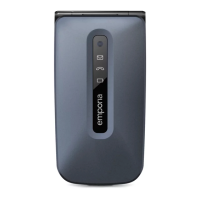
• To answer: Open the phone and press
.
• To reject: Press
or close the phone.
• To mute the ringtone temporarily:
Press the
button (on the side of the phone).
› Ending a call
Press
or close the phone.
If the screen has gone dark during the call, press twice.
› Dialling
Enter the number you want to dial (incl. the area code)
using the keypad. _ Start the call by pressing
.
› Redialling
When the phone is on standby, press
to call up your call history.
_Press
and to select a number.
_Start the call by pressing
.
› Hands-free mode
Press
during a call to open the Options and
turn the hands-free function on or o .
F220j-GuidBook-V1a_GER-ENG-ITA-FRA-NED_36332-001.indb 27F220j-GuidBook-V1a_GER-ENG-ITA-FRA-NED_36332-001.indb 27 06.04.18 16:1406.04.18 16:14



 To Next Page