P5 – Running
Designed to bring out the marathon champion in you! This program will build up
strength and endurance in your entire physique and cardiovascular system.
Step 1
Step onto the side rails of the treadmill deck and enter your weight, then press
Enter
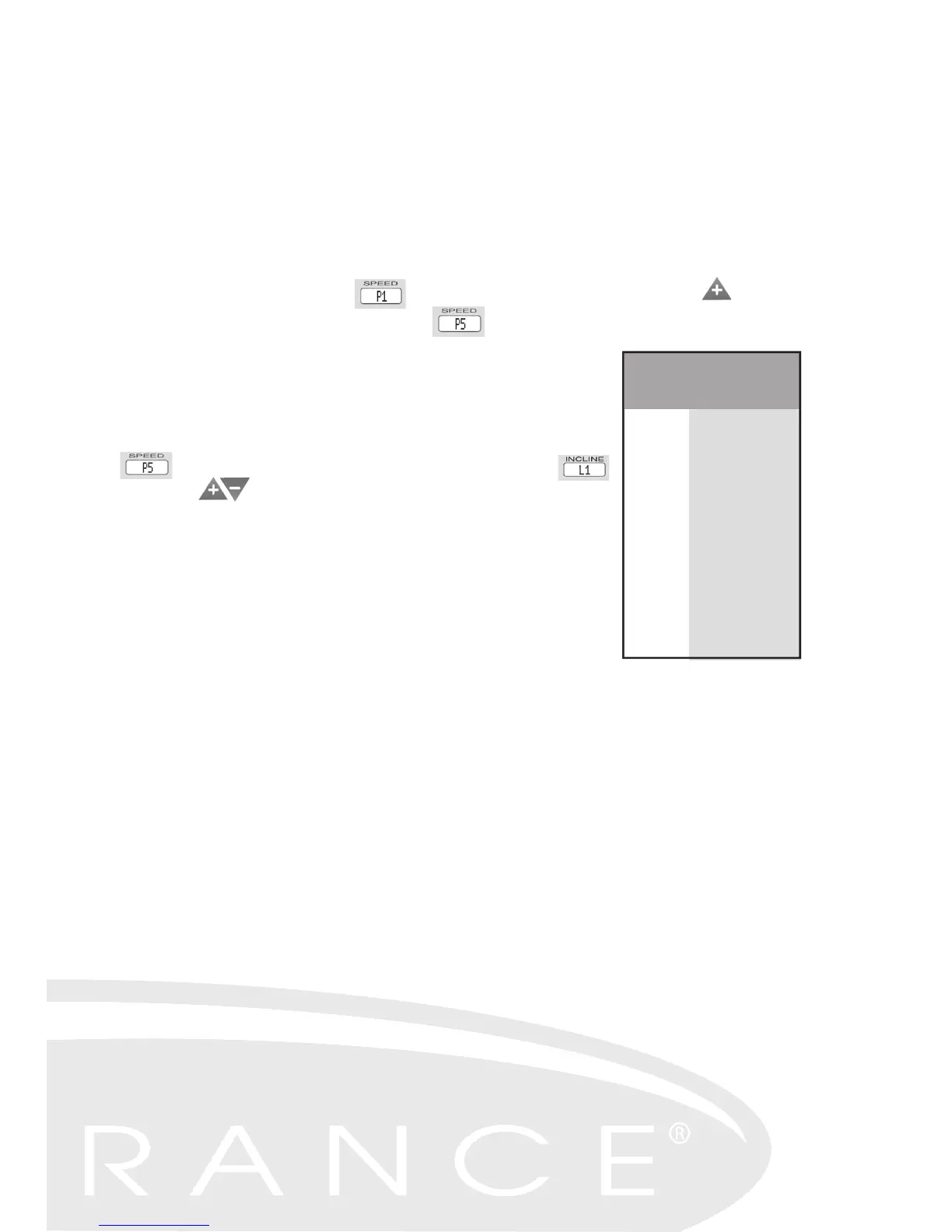
– the Main Display will read . Press either the Incline or Speed arrow four
times and the Main Display will show . If intensity level 1 with a 1.8 mile
workout distance is the level you desire, press
Start.
Step 2 – Adjusting the User Level
To adjust the User Level to Level 2 – Level 5, follow the same
procedure as written in Step 1 until the Main Display reads
. Press
Enter and the Incline Display will read .
Use the arrow buttons to adjust to the desired level
(from L1 to L5). Once you have selected your user level,
press Start.
Once the tread belt begins to move, hold on to the handrails
and step on to the tread belt. Once you are accustomed to
the speed of the belt, you can let go of the handrails.
You can now adjust the speed and elevation levels to best
suit your workout.
Level Distance
L1
L2
L3
L4
L5
1.8
3.1
4.3
5.6
6.8
Starting Levels
P5 Running
23


 To Next Page