27
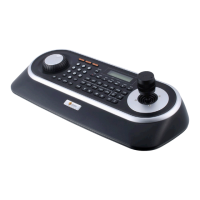
B. After selecting System and checking Remote control box, please install as below to select Setup remote control. Device ID is not allowed number „0”.
5. How to PC DVR Remote setup
A. If selects Setup on main menu, the below screen will be appeared.
C. Make sure if any change is appeared on screen to press
QUAD (Next Screen) button of a controller for basic testing. If there ’s no change appeared,
check cable connection and installation again.


 To Next Page