19/44
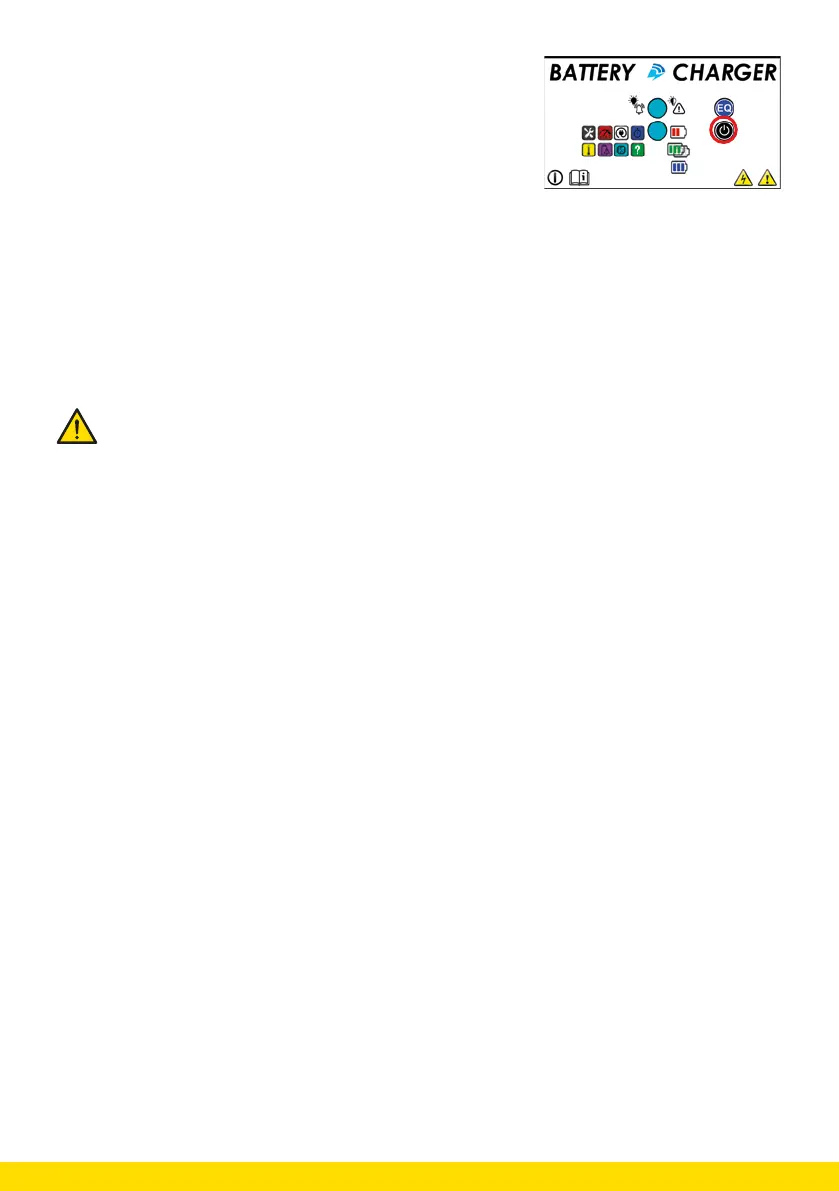
6. Now you can change the value by pressing STOP/RE-START.
Press and hold for 1 second.
The “Alarm/Warning” LED turns solid red and the RGB LED
lights up:
• Blank/empty: value n° 1
• Red: value n° 2
• White: value n° 3
• Blue: value n° 4
• Yellow: value n° 5
• Purple: value n° 6
If you wish to save the changed parameter, press and hold the EQ button for 3 seconds until the ‘Alarm/Warning’
LED starts flashing red again. At that moment the new parameter is stored in the memory.
If you wish to return to the start menu, press the STOP/RE-START button for 5 seconds.
If the RGB LED flashes, the charger is active. Do not disconnect the battery!
Only when the RGB LED shows a SOLID colour (also white) you can disconnect the battery.



 To Next Page