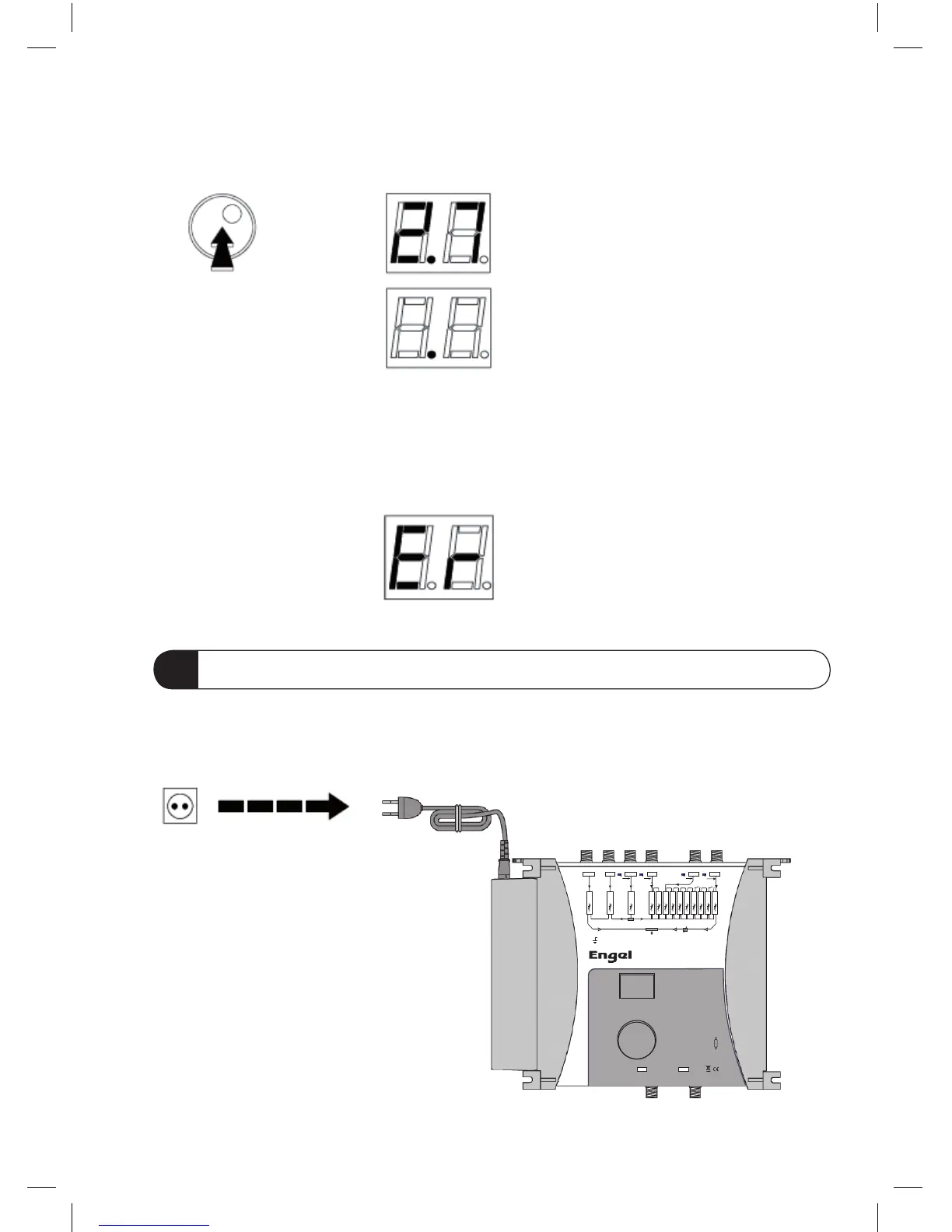
- Push the rotary button to conrm Data Import.
The software version is displayed,
followed by a dot.
Note:
If a problem occurs during data transmission the display will show an error message.
Possible causes are: wrong type of cable, no cable, bad pin contacts.
This function can reset all clusters and attenuators to zero.
- Disconnect the mains power.
9 GENERAL RESET
1 2 3 4 5 6 7 8 9 10
Bd I / II
Bd III
V/UHF
UHF 1
UHF 2 UHF 3
24 V
24 V
24 V
24 V
SPLIT UHF
V
U
GND
OUT
UHF
VHF
MANUAL
LEVEL
OUT
TEST
SPLIT
UHF
AUTO
LEVEL
MANUAL
LEVEL
STOP
CHANNEL
START
CHANNEL
SELECT
FILTER
DATA
IMPORT
EXIT
DATA
-30 dB
AM2000
PROGRAMMABLE
MULTICHANNEL
AMPLIFIER
(TERRESTRIAL TV)



 To Next Page