18 /55
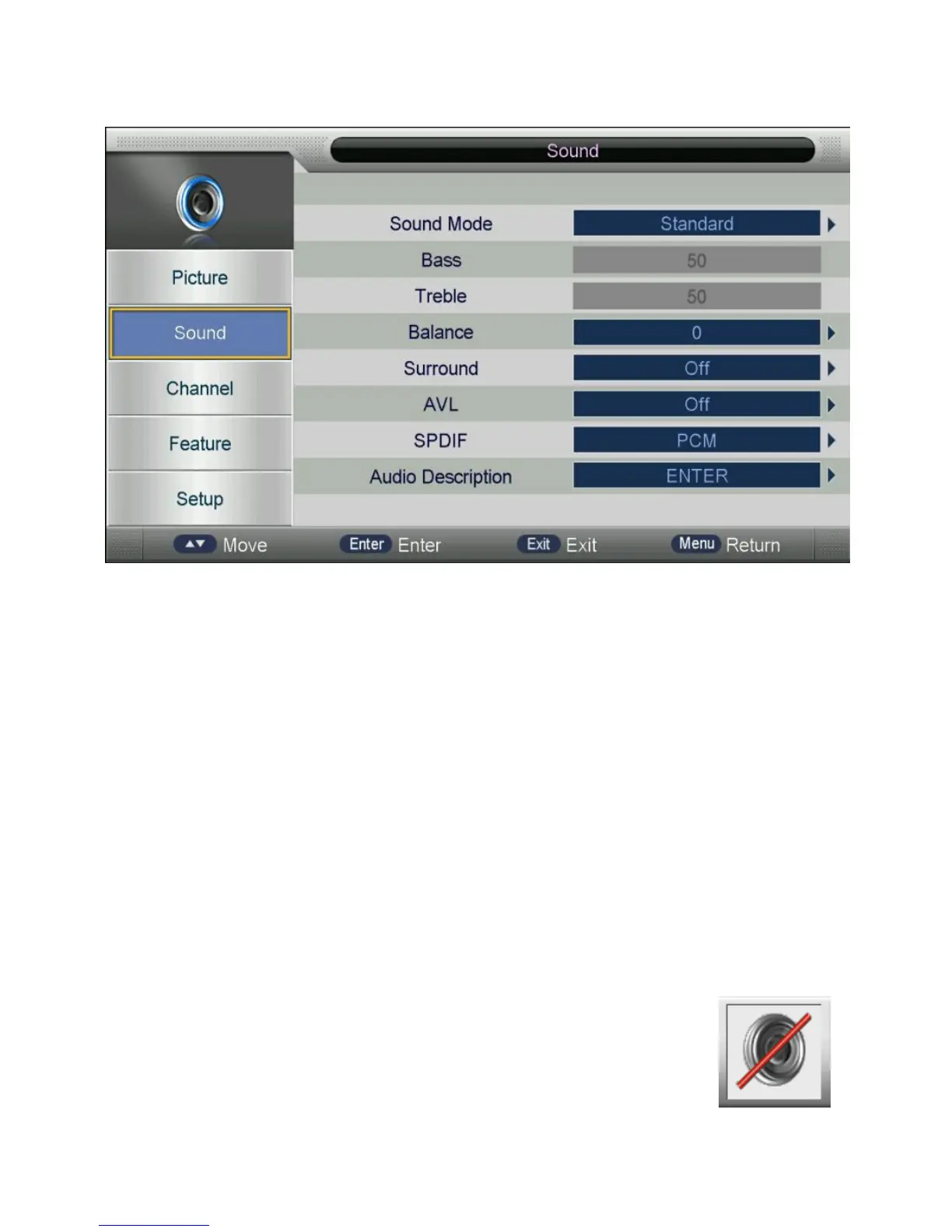
2. Sound
Sound Mode: Choose from Standard, Movie, Music, Speech and User
Bass*: Controls the relative intensity of lower pitched sounds.
Treble*: Controls the relative intensity of higher pitched sounds.
Balance: Controls the balance of the left and right sound track, or turn off the volume of
the left and right sound track.
Surround: Turn ON/OFF the surround function.
AV L: Turn ON/OFF the AVL function.
SPDIF: Select the SPDIF mode.
Audio Description: Facilitate for the disabilities whose eyes are not good. Controls the
ON/OFF of this mode and adjust the volume.
*When changing Sound Mode, if the Mute function is on and the UI
looks as follows, the Mute function will be turned off so that the user
can feel the difference in different sound mode.



 To Next Page