46 /55
Smart Android System
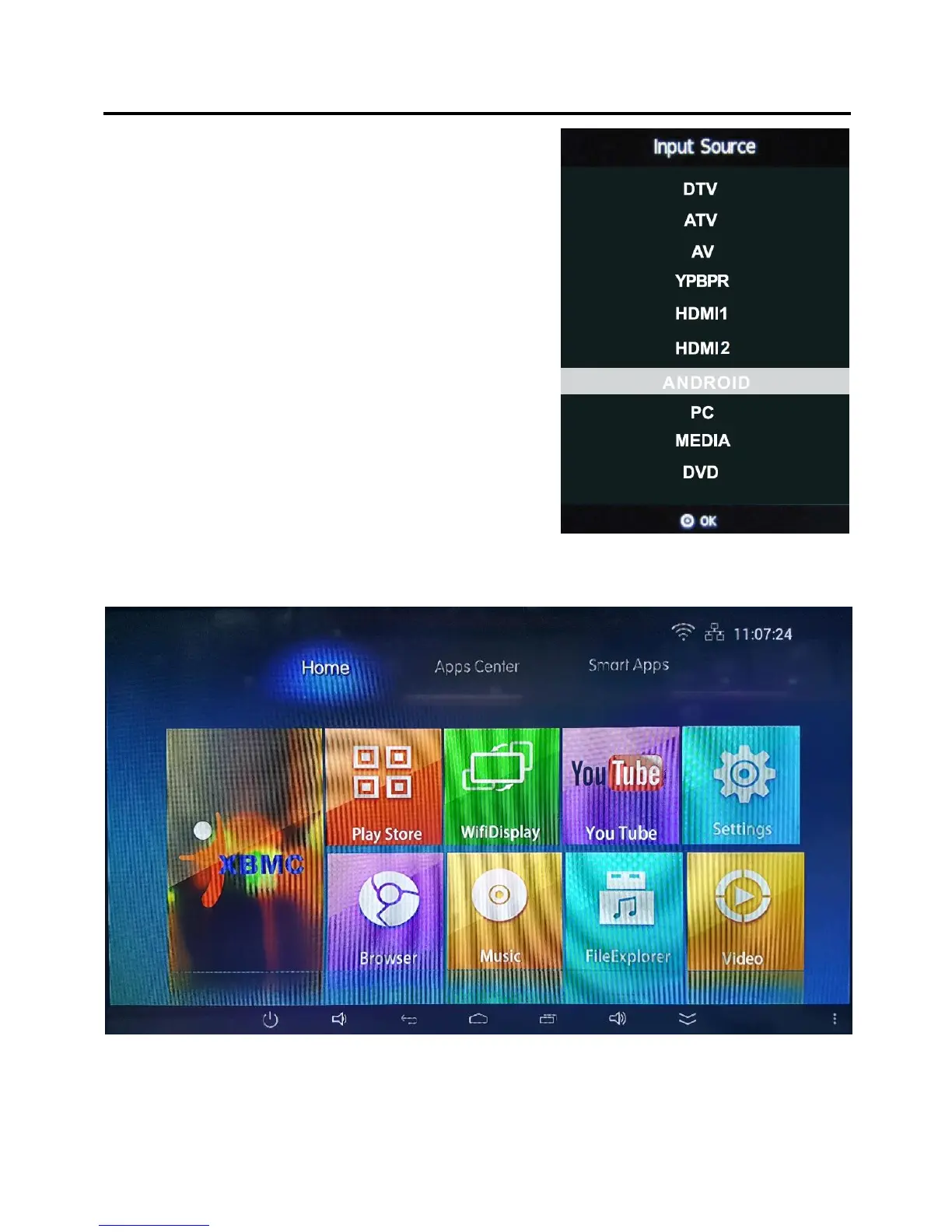
TO select ANDROID, press the “SOURCE/
INPUT” button and using the buttons select
ANDROID and press OK.
It will be easier to control with a mouse. And you
can use this TV just like your smart phone or
tablets.
The android main menu interface
This is the main menu of Android model. The basic operation is exactly like all other
smart phones or tablets. Yo u can use the RC in this model but we strongly suggest you
use a mouse which would be more efficient.


 To Next Page