31 /55
Multimedia
1. Photo
1.1. Format Supported
JPG: max resolution 165370
JPEG: max resolution 61648
BMP: max resolution 101439
PNG: max resolution 101439
1.2. Function Introduction
Highlight the “PHOTO” item in the multimedia main menu by press “RIGHT” / “LEFT”
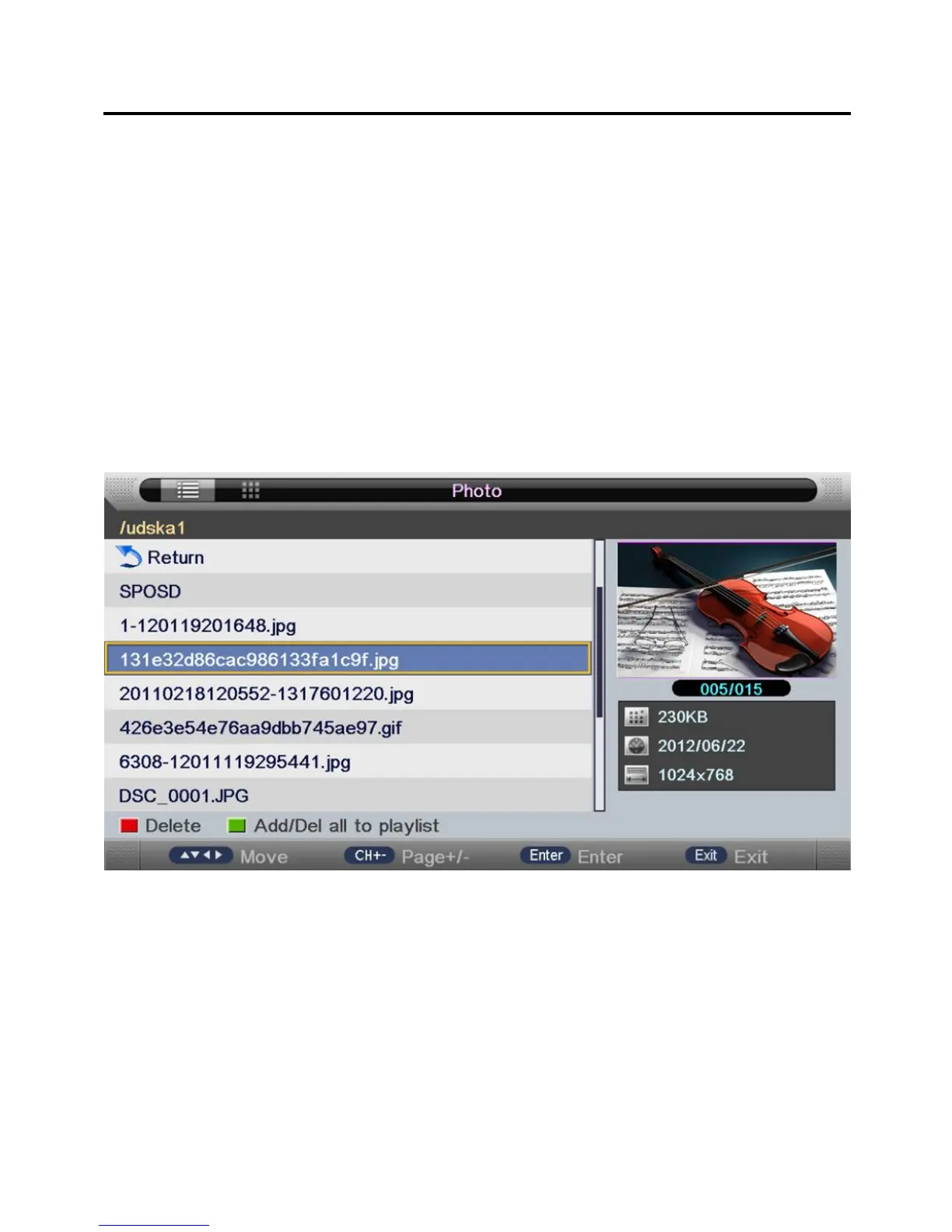
key, then press “ENTER” key enter photo page, as follow:
• Key Operation:
RED: Delete the focused folder/file.
GREEN: Add/Del all photo files to play list.
ENTER: Add/Del highlight files to play list.
CH+/-: Page up/Page down.
PLAY: Play the files in the play list.
1.3. Playback
Press "PLAY" key to start playback.


 To Next Page