24 /55
4.1 Lock
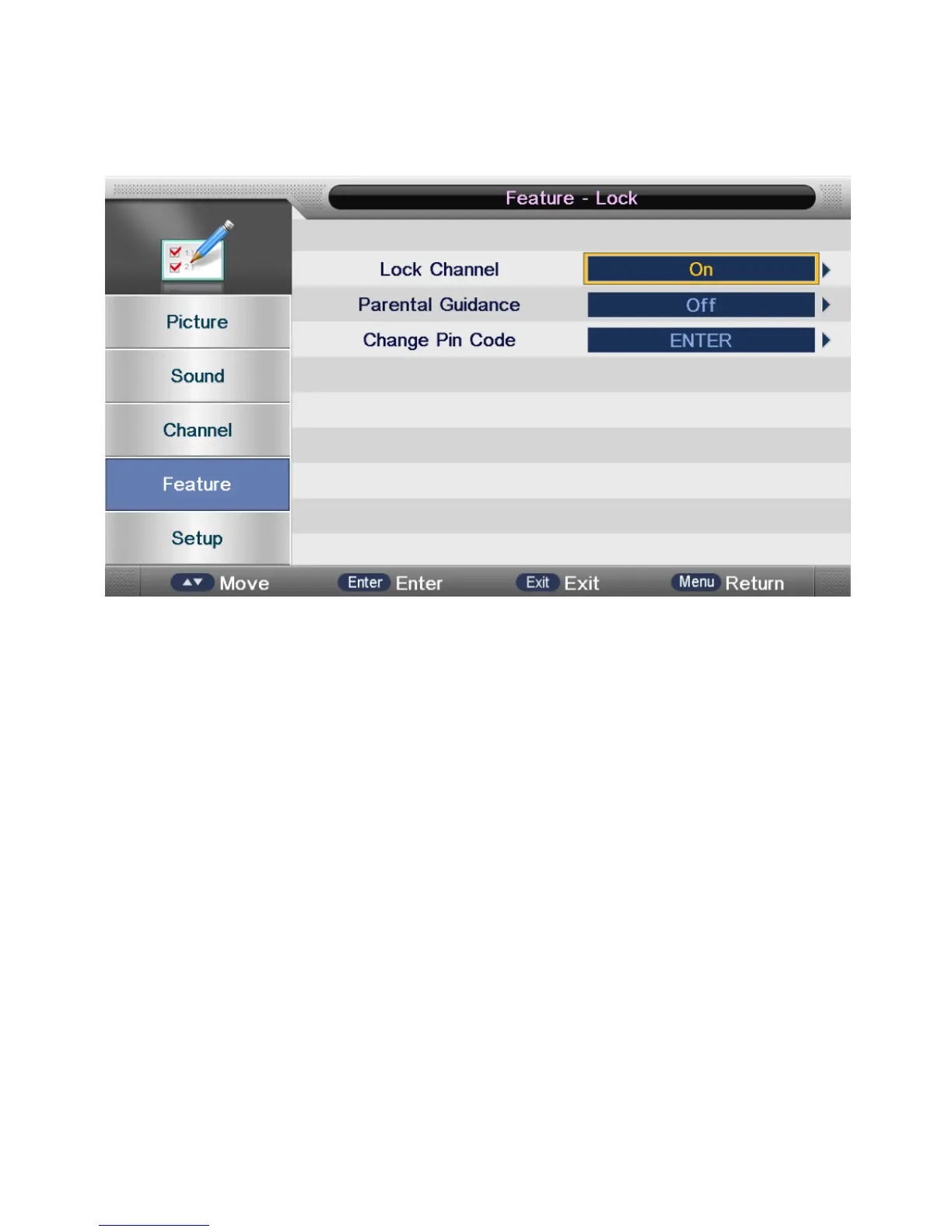
The lock subpage includes three parts: Lock Channel, Parental Lock, Change Pin Code as
shown in the following picture.
• Lock Channel
On: turn on Lock Channel.
The user needs to enter a password to watch the channels which are locked. Also, need to
enter a password when the user tries to change settings in items like “Reset System” or
“Reset Database” etc.
Off: turn off Lock Channel
• Parental Lock
On: set the age level that is permitted to watch the program.
Off: turn off Parental Lock
• Change Pin Code
You need to enter the old pass word (if there is one) to change it to a new password.



 To Next Page