16
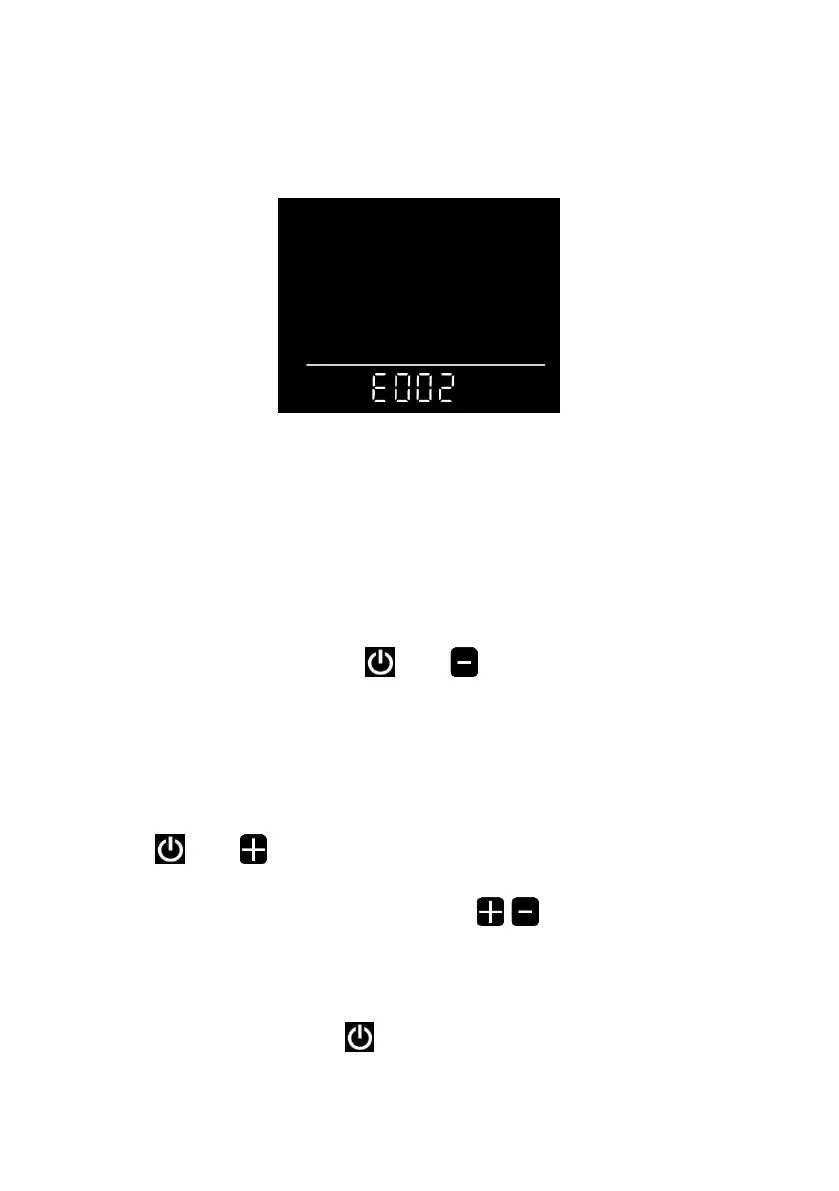
5.7 Error code indicator
When a fault occurs in the electronic control system of your e-bike, the
display will automatically indicate the error code in the distance area in the
format of E0**. Detailed definitions of error codes are shown in Schedule 1.
■ When an error code appears on the display interface, please conduct
troubleshooting in time. Otherwise, your e-bike will not work normally.
6. General setting
■ All parameters can only be set when your e-bike stops.
The steps for general setting are as follows:
In the power-on state, when the display shows the speed of 0,
6.1 Trip distance reset
Press and hold the buttons and at the same time for more than
2 seconds to reset the trip distance.
6.2 Factory reset
dEF refers to factory reset. dEF-n represents not to restore factory
settings, and dEF-y represents to restore factory settings. Press and hold the
buttons and at the same time for more than 2 seconds to enter the
factory reset interface, and press the button / to select a parameter.
6.3 Speed limit setting
P3 represents the speed limit setting option. The adjustable range is
10~40km/h. Press the button to enter the parameter modification


 To Next Page