17
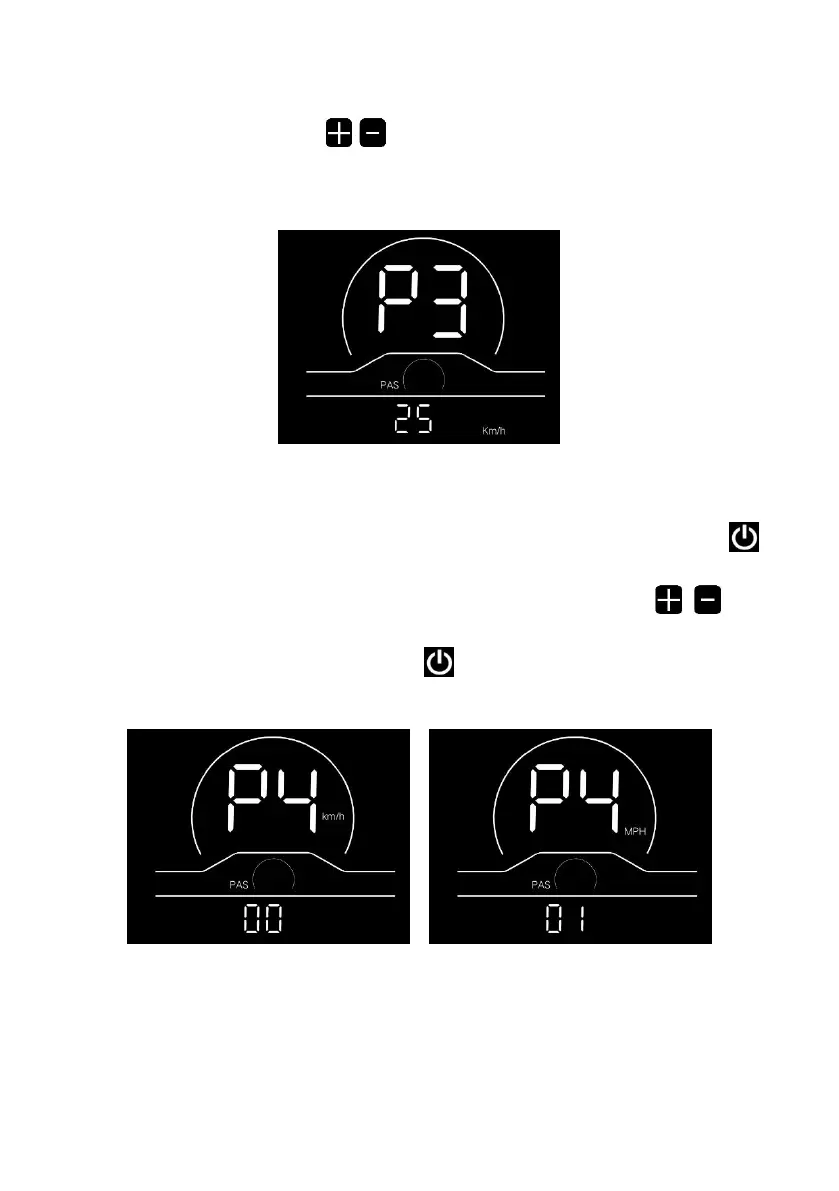
interface. Press the button / for parameter selection. Press the button
to save the parameter and return to the selection interface of general setting
options.
6.4 Metric/imperial system setting
P4 refers to the metric/imperial system setting option. 00 represents the
metric system, and 01 represents the imperial system. Press the button
to enter the parameter modification interface. Press the button / for
parameter selection. Press the button to save the parameter and return
to the selection interface of general setting options.



 To Next Page