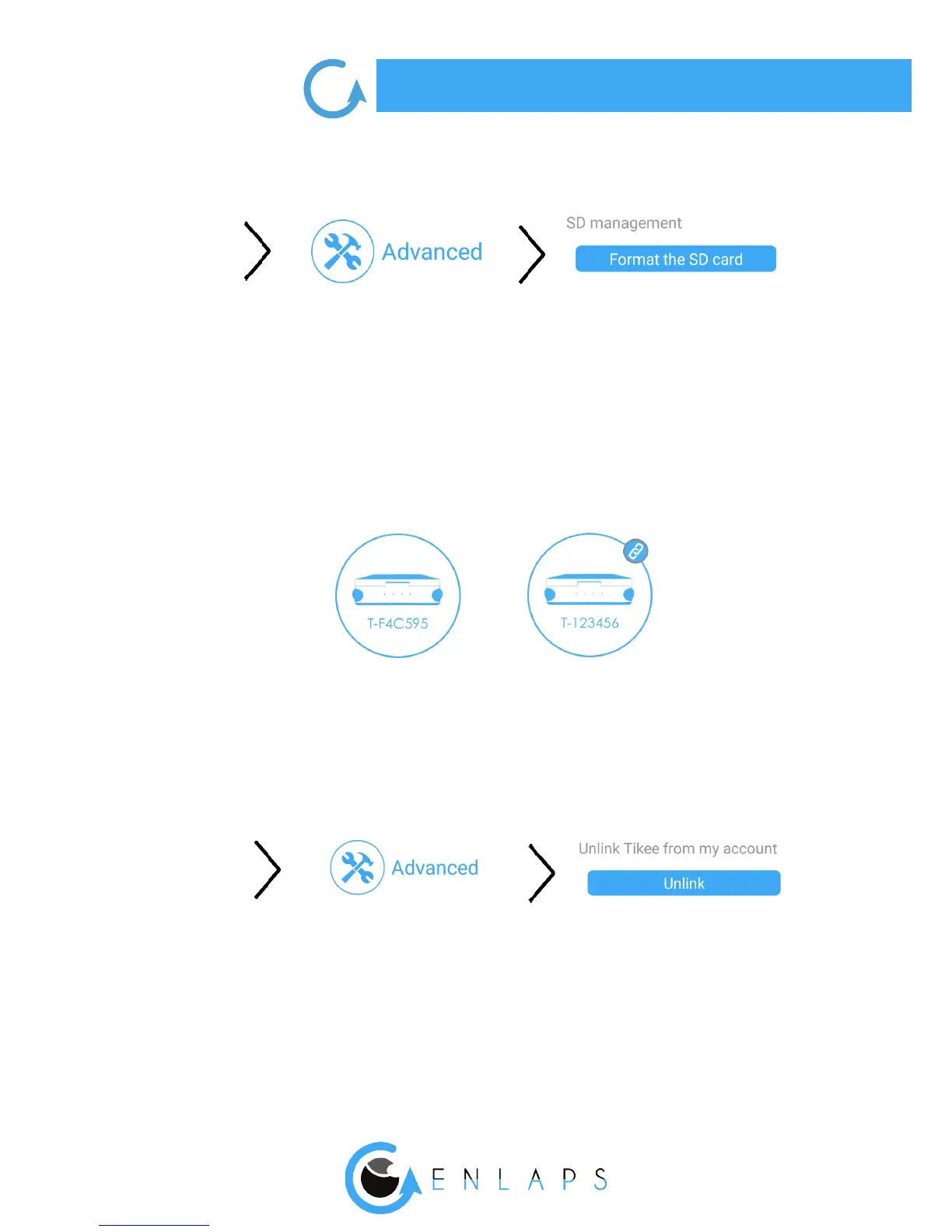
Here is the path on the mobile application to format the microSD card.
You cannot format the microSD card when a timelapse sequence is in progress.
Unlinking your Tikee from your user account
The association of a Tikee with a user account is automatic and occurs during the rst linking (connec-
tion of your Tikee to the mobile app). During the following connections, the Tikee linked to your
account are marked with 2 chains:
A Tikee can only be associated with a single user account.
It is possible to connect several smartphones with the same user account.
If you want another user to use your Tikee (when you sell your Tikee or loan it for example), you can
unlink it from your account. This unlink can also be done on the web app.
You will not be able to link with a Tikee associated with another account than yours. You have to unlink
it rst.
Caution! Once unlinked, any user who has downloaded the Enlaps mobile application can be linked
to your Tikee.



 To Next Page