Associating your Facebook account
To associate your Facebook account:
1. Click on your account at the top right :
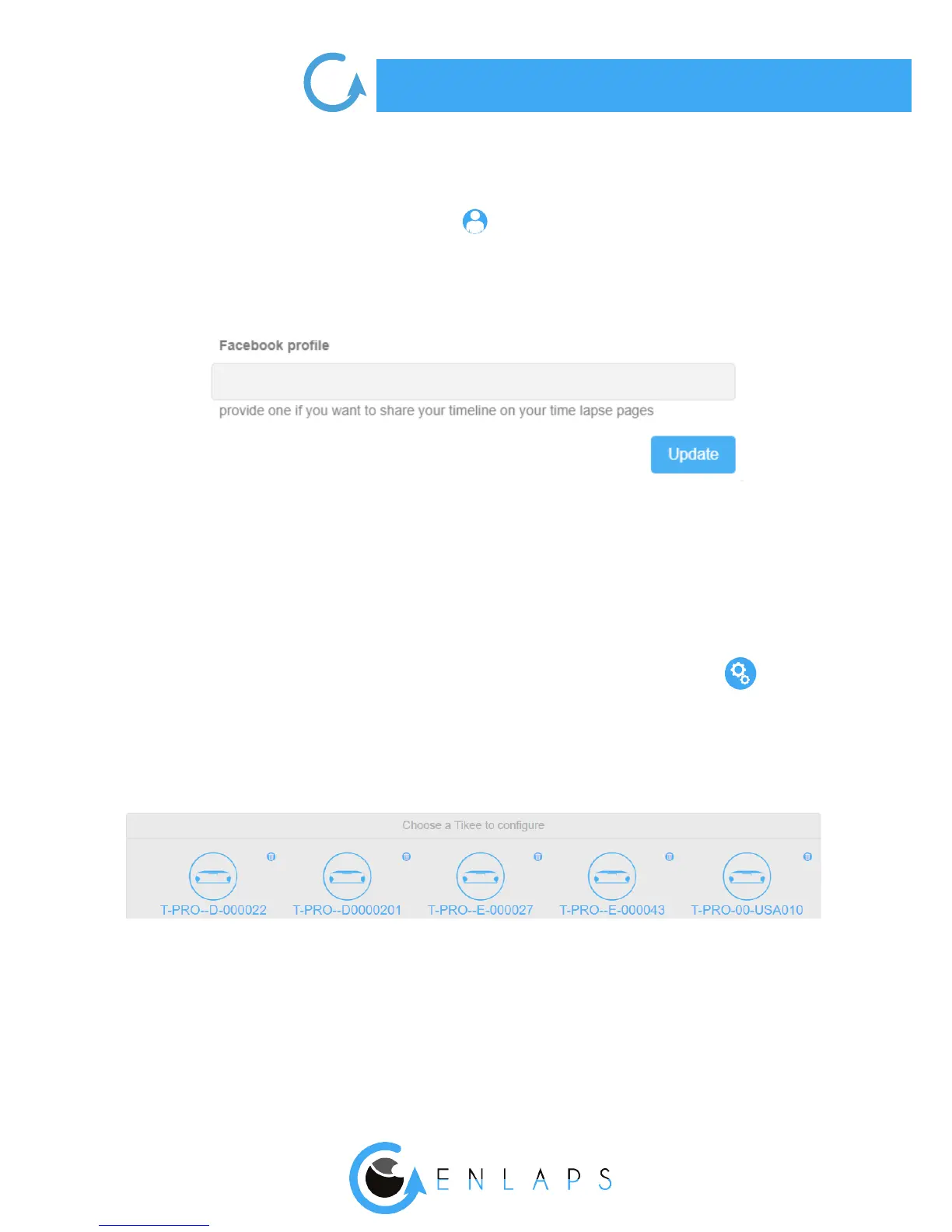
2. Once in the menu ‘’Edit my account’’, scroll to the ‘’Facebook prole’’
3. Enter the URL of your Facebook account like:
https://www.facebook.com/MYACCOUNT
4. Once the eld completed, click on ‘’Update’’
. Setting up your Tikee
You can manage all of your Tikee settings by clicking at the bottom of the screen on
Choice of the Tikee
Select the Tikee you want to set up by clicking on it.



 To Next Page