Checking the status of your Tikee
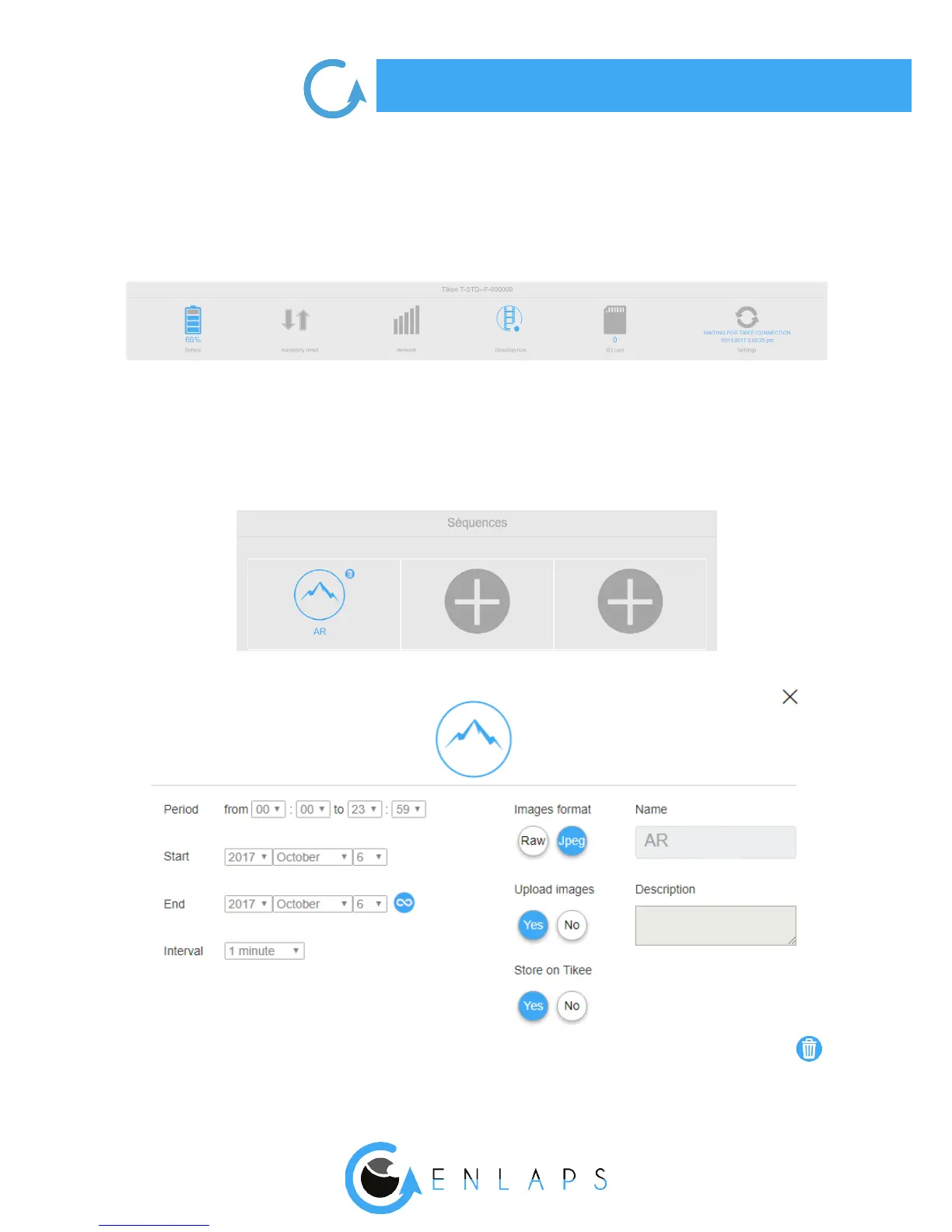
Once you have selected your Tikee, you can access to all of its status information: battery, auto-
nomy trend (incoming), quality of the network, status of shooting (for example in progress time-
lapse), available space on the SD card and date of last connection.
Viewing and deleting timelapses sequences (‘’Editing’’ incoming)
You can view information about your timelapses sequences by clicking on the chosen sequence.
You can also delete a timelapse sequence from your Tikee by selecting it and then clicking on



 To Next Page