System Metering Options
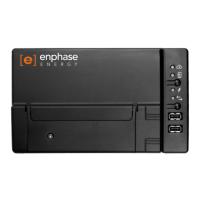
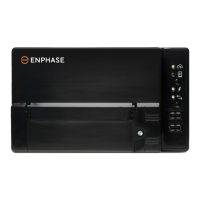
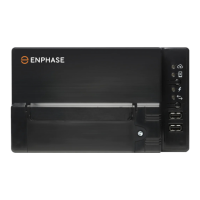
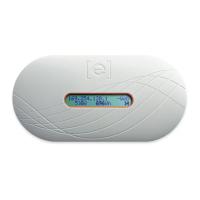
The Envoy-S monitors up to 600 Enphase Microinverters and is available with two reporting options.
Check that the model number is correct for your installation.
Envoy-S Standard, single-phase
ENV-S-WB-230-F, -G, and -I
NOTE: To install multiple Envoys at a single site, see our technical brief on commercial
design at enphase.com/support.
Create the Map and Install the PV Modules and Microinverters
Create the map and install the PV modules and microinverters. You will scan this map later using
Installer Toolkit and your mobile device. (See “Method A: Provision Microinverters with Installer Toolkit”
on page 18.)
NOTE: If needed, you can find an installation map at the back of any Enphase Microinverter
manual.
Create a paper installation map to record microinverter serial numbers and positions in the
array. Peel the removable serial number label from each microinverter and affix it to the
respective location on the installation map.
Peel the removable label from the bottom of the Envoy-S and affix it to the installation map.
Always keep a copy of the installation map for your records.


 To Next Page
 Loading...