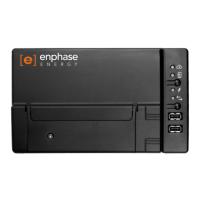
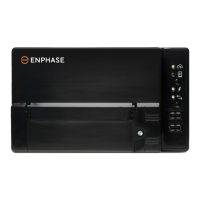
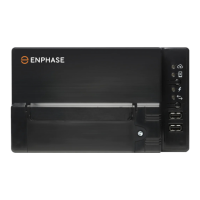
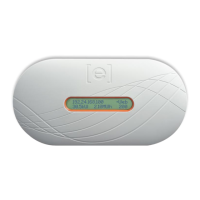
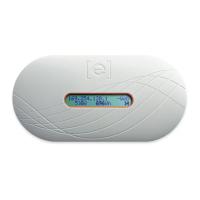
Envoy-S Installation and Operation
2016 Enphase Energy Inc. 141-00031 Rev 01
Envoy-S Operation
Envoy-S Displays and Controls
You can track system installation progress with the Enphase Installer Toolkit mobile app.
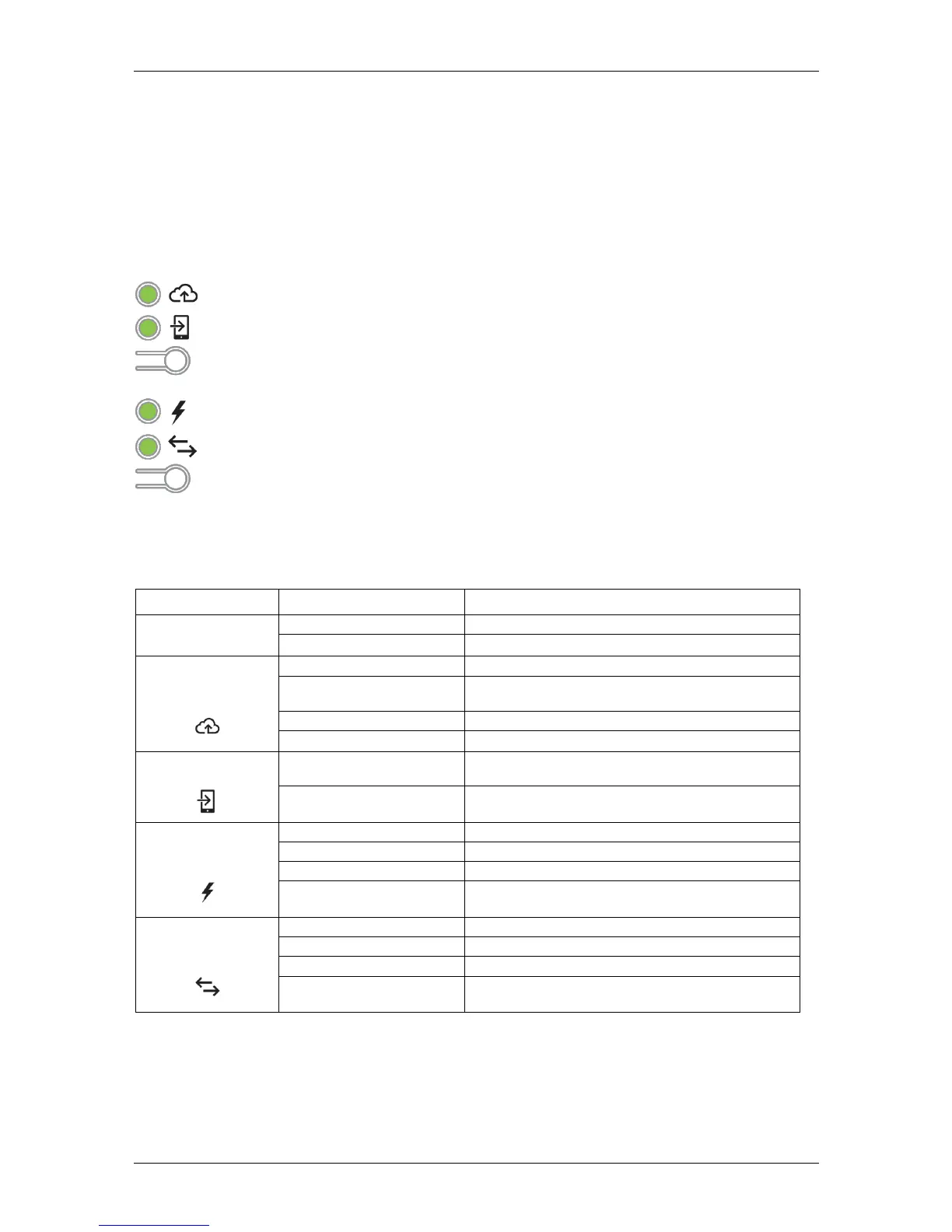
The LEDs on the Envoy-S are solid green when a function is enabled or performing as expected, flashing
when an operation is in progress, or solid amber when troubleshooting with Installer Toolkit is required.
Envoy-S LED States
The Envoy-S is booting up
Flashing green sequentially
Software upgrade in progress
Communicating with Enlighten
WPS connection in progress or the Envoy-S is
attempting to connect to Enlighten
Local network connection only
AP mode enabled:
Envoy Wi-Fi network available
AP mode disabled:
Envoy Wi-Fi network unavailable
All communicating microinverters are producing
Microinverter upgrade in progress
At least one microinverter is not producing
Microinverters are not communicating
(low light or night time)
Microinverter
Communications
All microinverters are communicating
At least one microinverter is not communicating
Microinverters are not communicating
(low light or night time)
—
Network Communications LED:
Green when Envoy-S is connected to Enlighten.
—
AP Mode LED:
Green when Envoy’s AP Wi-Fi network is available.
—
AP Mode Button:
Press to enable Envoy’s AP Mode for connecting with a mobile
device. Hold for 5 seconds to start WPS connection to a router.
—
Power Production LED:
Green when microinverters are producing power.
—
Microinverter Communications LED:
Green when microinverters are
communicating with Envoy-S.
—
Device Scan Button:
Press to start/stop 15 minute scan for microinverters over
the power line.



 To Next Page
 Loading...