05
Name Descripton
1 Power Press to turn the unit on, or to turn the screen on or o. Press and hold to access the
Power O menu.
2 Reset Press Buon to reset device sengs.
3 Speaker Rear speaker for audio output.
4 HDD Service Panel for HDD.
5 Lock Lock Device.
6 HDMI Port for HDMI cable connecon.
7 Cable Connet power adapter for product to funcon.
8 Aux Jack Audio output connecon for headphones.
9 Mic Use internal mic to record sound.
10 Ethernet Connect computer to the internet.
11 USB USB 3.0 x2
12 USB USB 2.0 x3
13 SD Card Slot to put SD card into the computer.
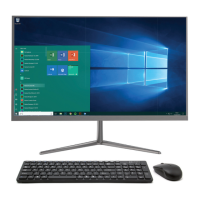
14 Mouse Computer Mouse
15 USB Adapter USB Adapter located on the base of the mouse.


 To Next Page