CV Driver MK2 Manual
50394
www.enttec.com
1
ID: 82325
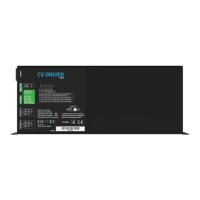
CV Driver MK2
Specifications
Features
• DMX512 Controllable and RDM Configurable
• Designed for driving LED strips through 6 high
power channels
• 12V and 24V DC output units available
• Easy addressing interface (physical switches and
RDM)
• Isolated DMX input
• 6 x 5 Amps constant voltage controllable outputs
• 250 watts total output power
• Fused outputs with surge protection
• Power, status and output LED indicators
• Stand-alone output sequences (if configured, no
external controllers required)
• Up to 8 units stackable using standard 19” modular
rack accessory (sold separately)
• Ideal for white or RGB LED Tapes
• Standard IEC mains input connector
• Auto-selectable Multi voltage mains input
Safety
• Make all the connections before you plug in the
main power
• Do not expose the ALEPH CV DRIVER to rain or
moisture, doing this will void the warranty
• Do not spill water or other liquids into or onto the
unit
• Check that the local power outlet matches that of
the required voltage (110 → 240V AC)
• Do not remove the cover whilst the unit is powered
• Never plug this unit in to a dimmer pack
1x 5-Pin Male XLR for DMX input
1x 5-Pin Female XLR for DMX
output
2x 4-Pin Female XLR for channels
output
1x 3-Pin IEC C14 Male Socket
10Amps for mains

 Need help?
 General

 To Next Page