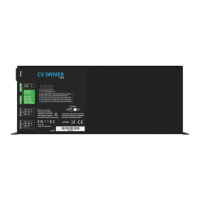
CV Driver MK2 Manual
50394
www.enttec.com
2
ID: 82325
• Always be sure to mount this unit in an area
that will allow proper ventilation. Allow about 6”
(20 cm) between this device and a wall
• Make sure ventilation holes are clean and unob-
structed
• Do not attempt to operate this unit, if it be-
comes damaged
• This unit is intended for indoor use only
• Always mount this unit in safe and stable man-
ner
• Power-supply cords should be routed so that
they are not likely to be walked on or pinched
by items placed upon or against them, paying
particular attention to the point they exit from
the unit
• The driver should be situated away from heat
sources
• Make sure the unit is dry and there is no fluids
residue before powering the unit after cleaning
Firmware Update
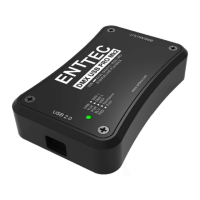
Updating the firmware on ALEPH CV DRIVER requires an
ENTTEC USB Pro or a Pro Mk2 device plugged in to a PC
USB port and to the ALEPH CV unit through a standard 5
pin DMX cable.
Please download and install the latest firmware for
ALEPH CV from www.enttec.com website, connect the de-
vice to the unit, power it up and run the application.
To make sure the process has been successful and to
check the firmware version, please look at the “Software
Version ID” field using an RDM tool such us “ENTTEC RDM
Controller” software which can be downloaded for free
from ENTTEC website.
Thermal Management
ALEPH CV DRIVER (RevB onwards) has an in-built thermal
control system. It constantly monitors the hardware’s in-
ternal temperature and acts on the condition of over-
heating.
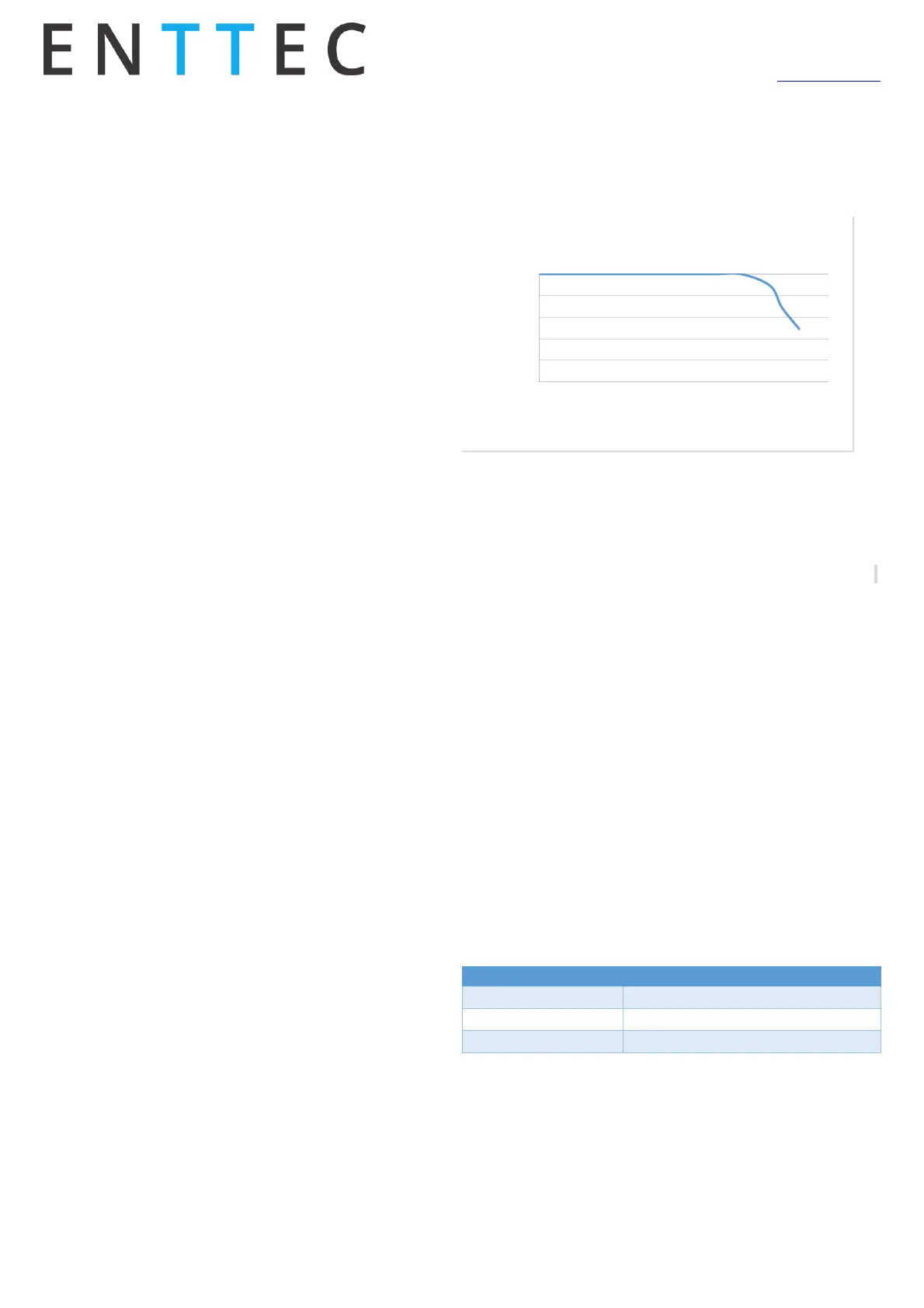
When internal temperature is higher than the limit, the
thermal control system will gradually lower the intensity
of all the connected LED strips or loads to cool down the
driver. Once the internal temperature is within the limit,
the driver will resume its normal operation.
The below graph shows a relationship between ambient
temperature versus output loads:
Surge Protections
ALEPH CV DRIVER has enhanced the surge protections for
all the output channels. This feature is designed to prevent
unexpected high voltages from permanently damaging the
channels. The chart below shows its operating parameters:
Please note: Surges are usually caused by installation is-
sues such as unnecessary long cables, short-circuits, and
connecting the 4 pin XLR connector when driver is on etc. It
is highly recommended that users check the connections
before turning on the driver.
LED Status
The CV driver comes with eight LED indicators located in the
front panel. Two set of RGB LEDs on the bottom indicate the
channel activities. The red LED on top section indicates the
internal power supplies are working properly.
The top green LED next to the red LED indicates the driver
status and should be constantly flashing. Please refer to the
following table for information about current operating sta-
tus:


 To Next Page
 Loading...