5. Fill in the corresponding Wi-Fi password and press "Save".
6. After the above operation, click "Restart". It will restart after 5 seconds.
7. The webpage will prompt “Rebooting Successful!”.
Note: Don't forget the password, otherwise it cannot be reset!
Note: If more than one microinverter needs to be connected to Wi-Fi,
configure one microinverter first.
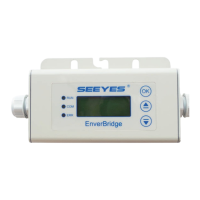
Step 10. Monitoring through EVT800
1) Register a new account by app or website.
Option 1. Visit www.envertecportal.com. Click Sign Up. Fill in the
account information to finish registration.
Option 2. Use the app “EnverView” to register
Fields marked with an asterisk (*) are required.


 To Next Page