Attaching the Cables
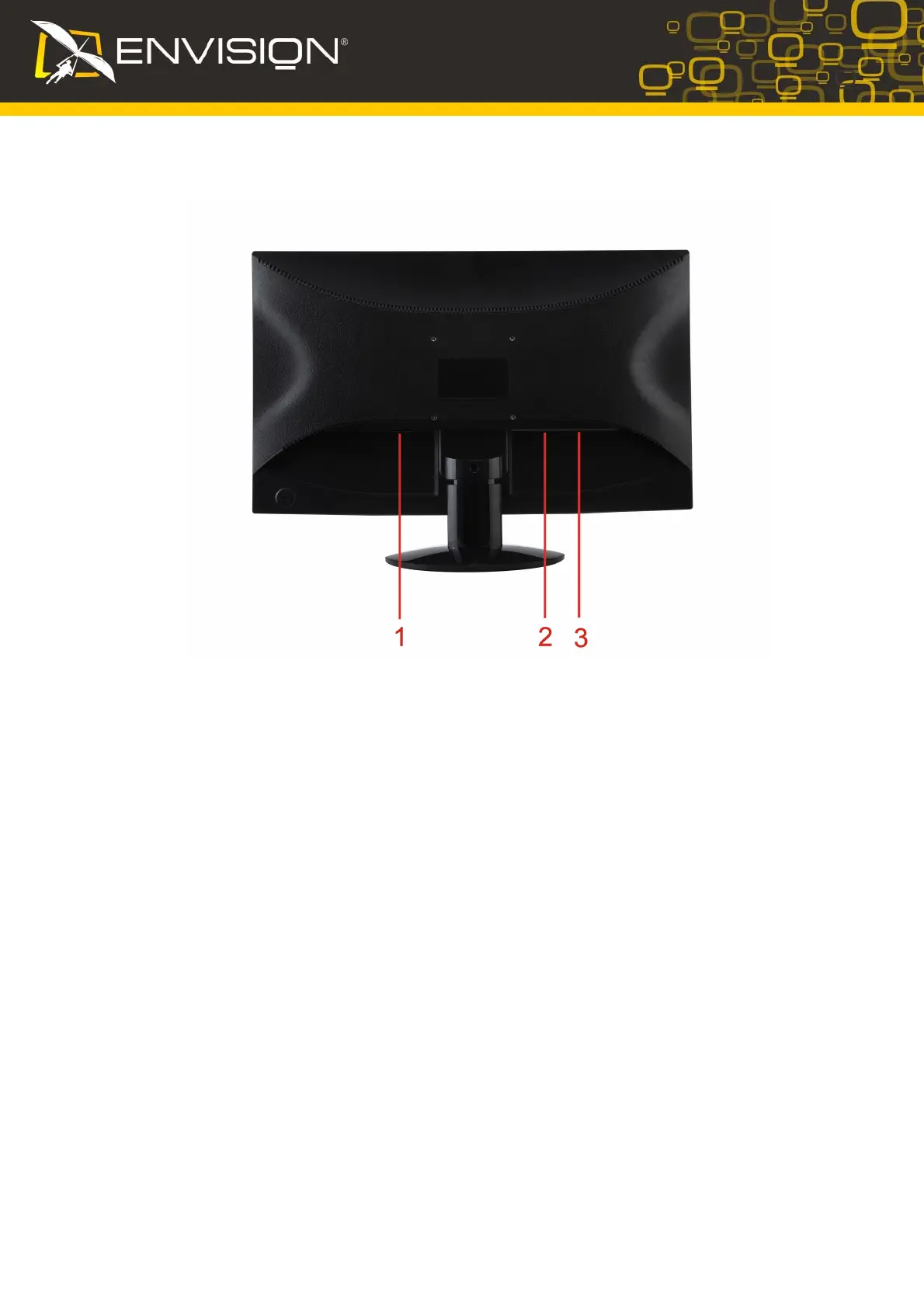
Cable Connections On Back of Monitor and Computer
1. Power
2. DVI
3. Analog
Turn off your computer before performing the procedure below.
1. Connect the power cable to the AC port on th
e back of the monitor.
2.
Connect one end of the 15-pin D-Sub cable to the back of the monitor and
connect the other
end to the computer's D-Sub port.
3. (Optional – Requires a video card with DVI port) - Connect one e
nd of the 24-pin DVI cable to
the back of the monitor and connect the other end to the computer’s DVI port.
4. Turn on your monitor and computer.
If your monitor displays an image, installation is complete. If it does not display an image, see
Troubleshooting.
6


 To Next Page
 Loading...