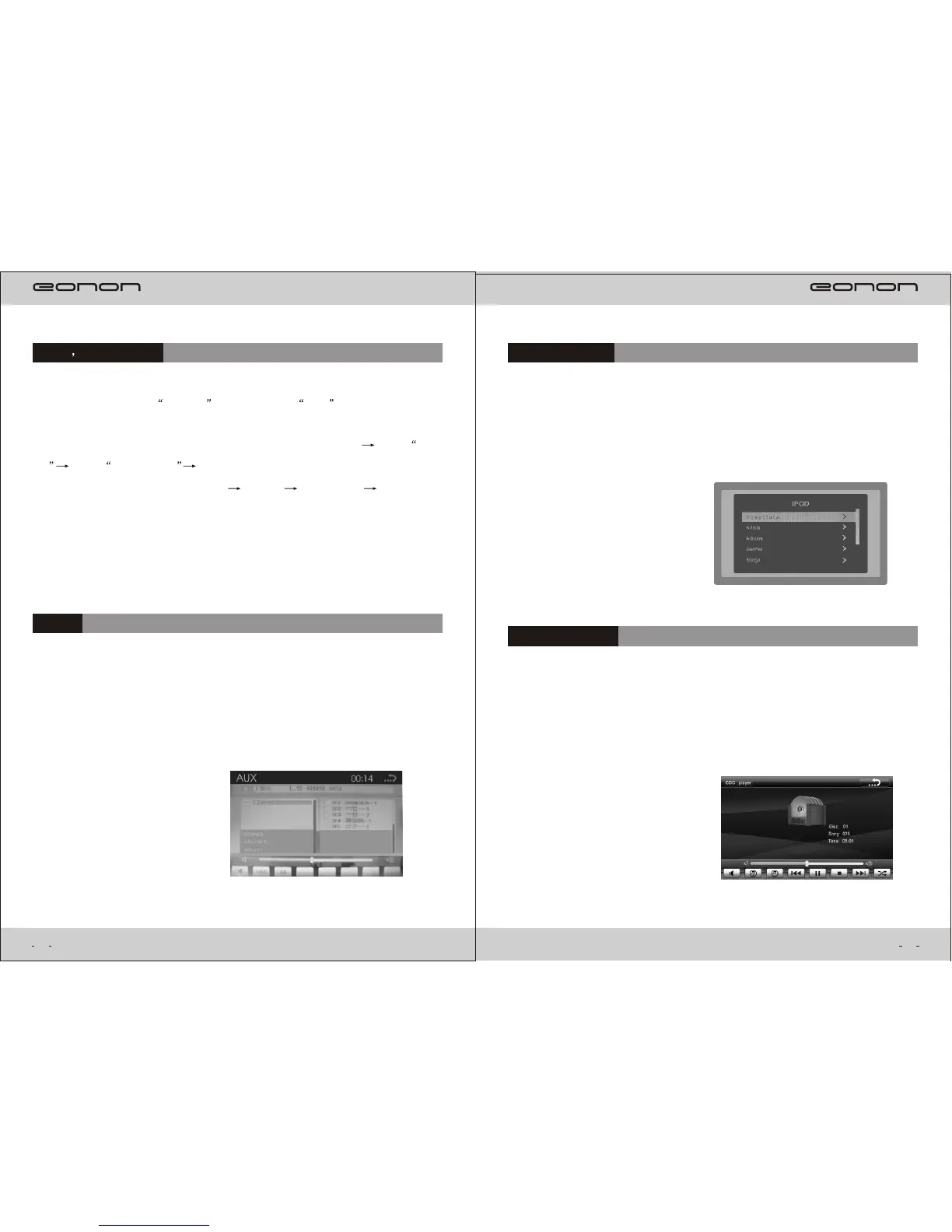
CDC(optional)
The CDC function only can work with Sanyo CD/DVD changer . When our
device has CDC function, you may connect our device with Sanyo
CD/DVD changer, press CDC in main menu or Press “SRC” to select
CDC mode, you can play the songs from your CD/DVD changer.
When our device has iPod function, you may use our iPod cable to connect our
device and your ipod
player, press iPod in main menu or Press “SRC” to select
iPod mode, it will display ipod interface and
songs list, then it can play the songs
in your iPod.
IPOD(optional)
20
Aux
press Aux in main menu or Press “SRC” to select Aux In mode,can play the audio
or video sources from Audio In or Video In,
All operations will be operated on the
original player of audio or video sources.
Connect USB,SD,press USB,SD in main menu or SRC button to select,it will
enter USB,SD playing.Operation as follows:
Touchscreen operation:Press Touchscreen(show function menu) Press USB,
SD Press Double press the file you want to play.Movie Logo
button
Confirm
button
Remote control
operation:Right Right
Confirm.
Support format:AVI,VOB,DAT,MP3,WMA,JPEG......
USB SD playing
19



 To Next Page