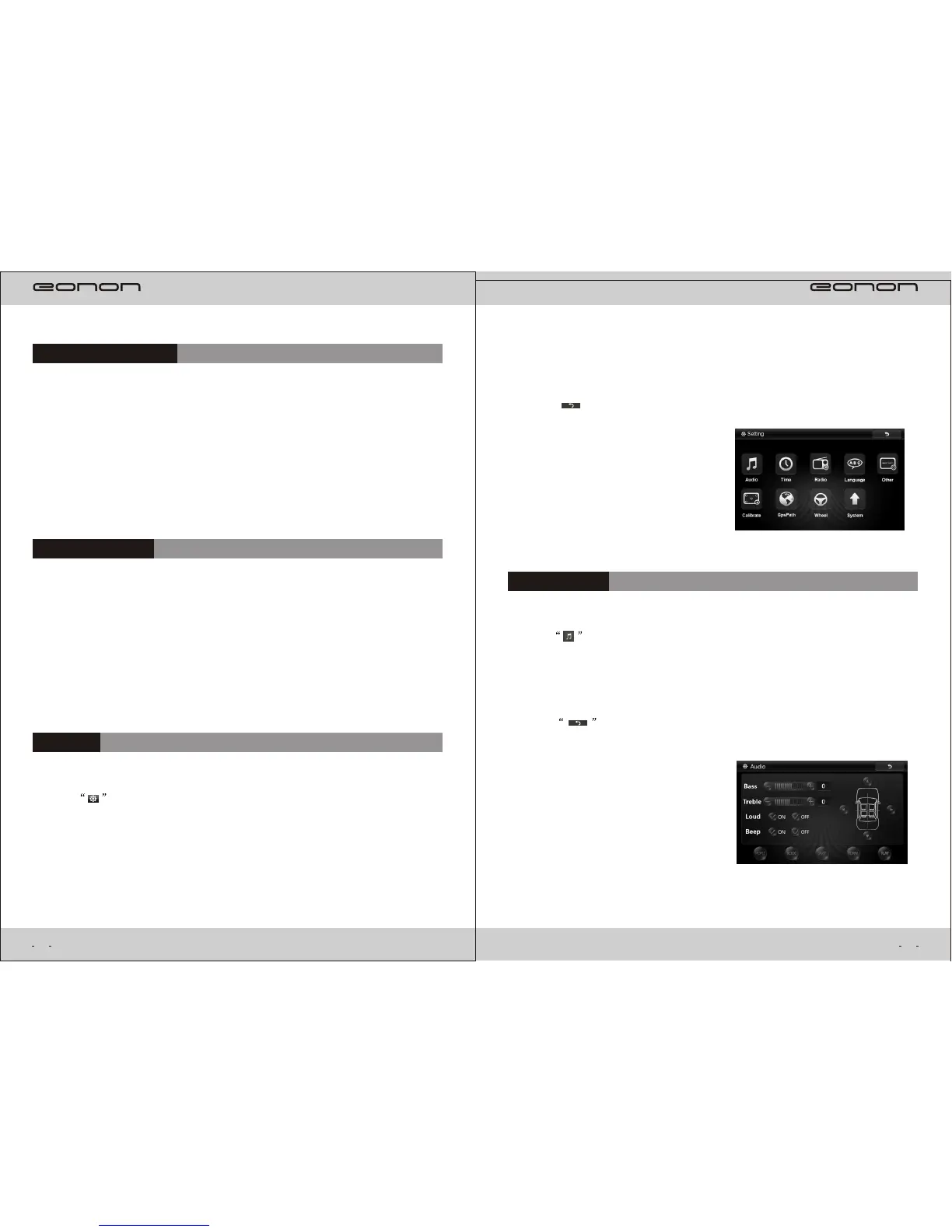
Audio Setting
22
Setting
()1 Press in main menu, it will enter setting interface. (As following picture)
()2 “Setting” include “Audio Setting” , “Time Setting”, “Radio Setting”, “other”,
“Calibration”,
“Navigation Path”, “ Steering Wheel key control” and “upgrade”.
DVB-T(optional)
If you buy our products with digital TV function,connect digital TV box with our
Device press DVB-T In main menu or press “SRC” to select DVB-T mode,you
Can enjoy the program of digital TV,operate by
Touch screen is available.
Reverse Rear View
If you have connected rear view camera to our device, when you put in reverse gear,
the screen of our device will switch to the photo of rearview automatically when you
Put out reverse gear,It will
go back to the original interface automatically.
21
()1 Press in Setting menu,it will enter Audio Setting interface(as following
picture ).
Audio Information includes:Bass( ),Treble( ),-7~0~+7 -7~0~+7
EQ(Rock,Pop,Jazz, Classic,Flat).
()3 Press “ ” return to main menu.
()2 Press to return to Setting menu.



 To Next Page