Language Setting
(1).Press in Setting menu, you can choose English or traditional chinese
as menu language.
24
Radio Setting
You can set up against the above interface.
Time Setting
23
won't display on the
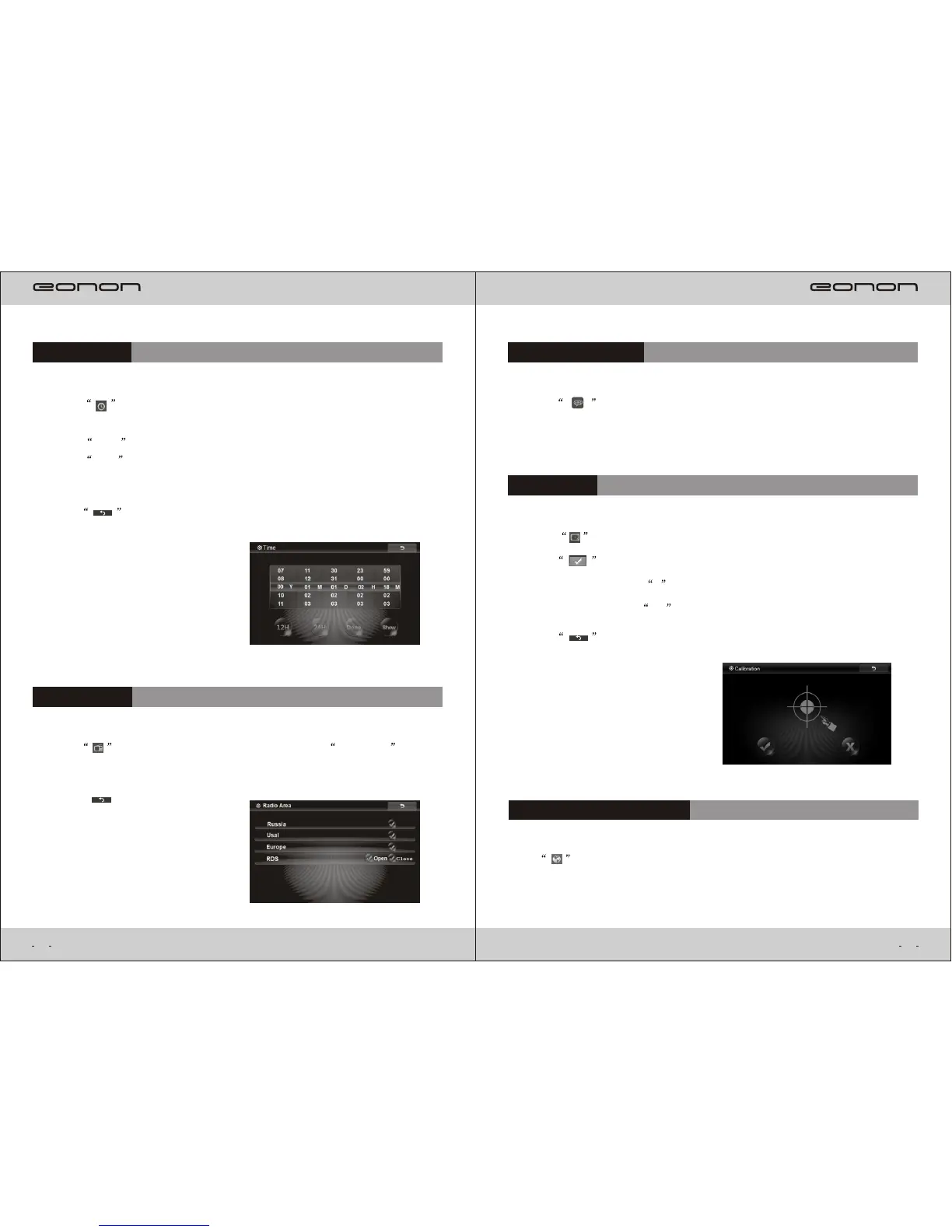
()1 .Press in Setting menu,it will enter Time Setting interface.Use forefinger
interface.
Press Done to confirm it.
down,you can adjust time by Year,Month,Day,Hour and Minute. to slide up and
Press show , the time will display on the interface, press again, the time
()1 .Press in menu, it will appear the following Radio Area interface: Setting
()1 .Press in Setting menu, it will enter the following interface.
with calibration. Press + in the interface and the process can be ended
when the screen show OK .
Press ,it will apprear the following interface, then, you can go ahead
Calibration
Navigation Path setting
Choose the Navigation Path for your map.
Press in Setting menu, it will enter Navigation Path Setting interface you can
()2 .Press to return to Setting menu.
()2 .Press “ ” return to setting menu.
()2 .Press to return to Setting menu.



 To Next Page