EasyManua.ls Logo

ep EST122 - Page 36

ep EST122
56 pages
Print Icon
To Next Page IconTo Next Page
To Previous Page IconTo Previous Page
Loading...
REV. 12/2020
4C
Recharge the battery observing the instructions provided by the battery supplier and by the battery
charger supplier.
WARNING
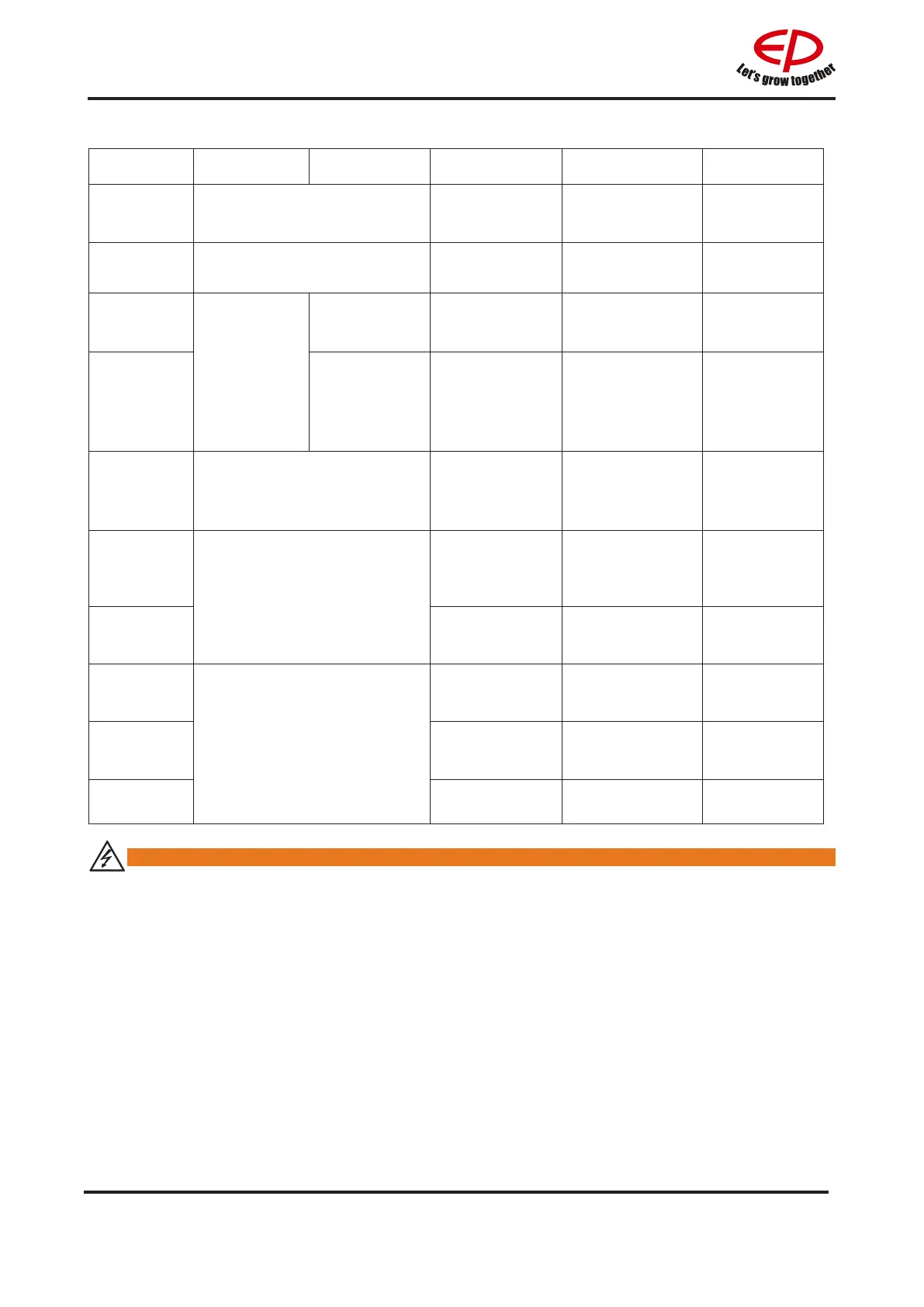
Charging indicator(2)
NO. LED status Phenomenon
Cause Remedy Description
1 Red light is on
Trouble free
/
Charging
2
Green light is on Trouble free
/
End of charging
3
No
indicator light
Current/
voltage
changes
Indicator failure
Return to factory
maintenance
Charger failure
4
No change in
current/voltage
The power input
line is in good
contact with the
socket and the
charger
Charger
failure,return
to factory
maintenance
Charger failure
5
Red light ashes
The power input
cable is not in
good contact
with the socket
Check if the input
power line is in
good contact
6
Yellow light is on
Storage
battery fails.
(battery reverse
connection)
Eliminate battery
failure
7
Storage battery
fails.(battery is
not connected)
Eliminate battery
failure
8
Yellow light ashes
Ambient
temperature is
too high
Ambient
temperaturedrops
to normal
9
Storage battery
voltage exceeds
32.5V
Eliminate battery
failure
10 Charger failure
return to factory
maintenance

Related product manuals