21
7. COMMUNICATION PROTOCOL
TPV 0 (Protocol $):
To operate with this protocol, the value 'TYPE 0' must be selected in the
'TPV CONEX' option. The possible values in this option are 'TYPE A' and
'TYPE B'. The next step is to select the transmission mode: 'WAITING' (awaiting
request), 'AUTOM' (automatic) or 'MANUAL'.
TYPE A:
Awaiting request
This communication mode is compatible with the basic work modes Weight-
Tare, Levels and Part Counting.
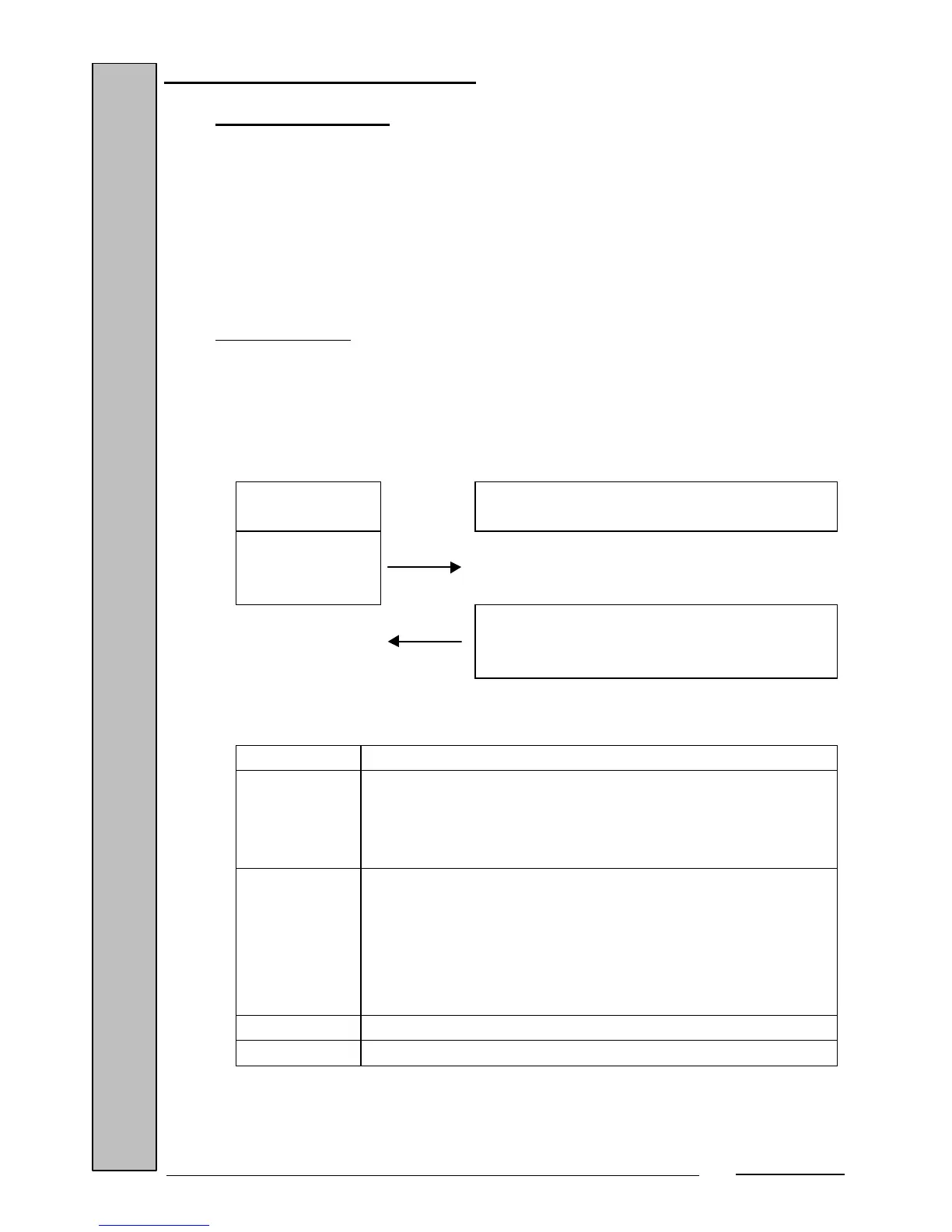
Communication format:
Computer
request
Scale answer
<$>(0x24, 36d)
<STX><ST><PPPP.PPP><CR><ETX>
Scale answer:
<STX> - Character 0x02, 2d
<ST> - Status byte whose value is obtained by adding the
weight flags' status (0x08 if zero weight, 0x20 if stable
weight, 0x02 if net weight, and 0x01 if gross weight) to
0x20.
<PPPP.PPP> - Value of the weight in ASCII and with 8 bytes,
including the weight's decimal point and the '-' sign when
the net weight is negative. The weight field is left-justified
with blank spaces (0x20, 32d). When the weight is out of
range, dashes are sent (character 0x2d, 45d) occupying
all 8 bytes of the weight field.
<CR> - Character 0x0d, 13d.
<ETX> - Character 0x03, 3d.


 To Next Page