EasyManua.ls Logo

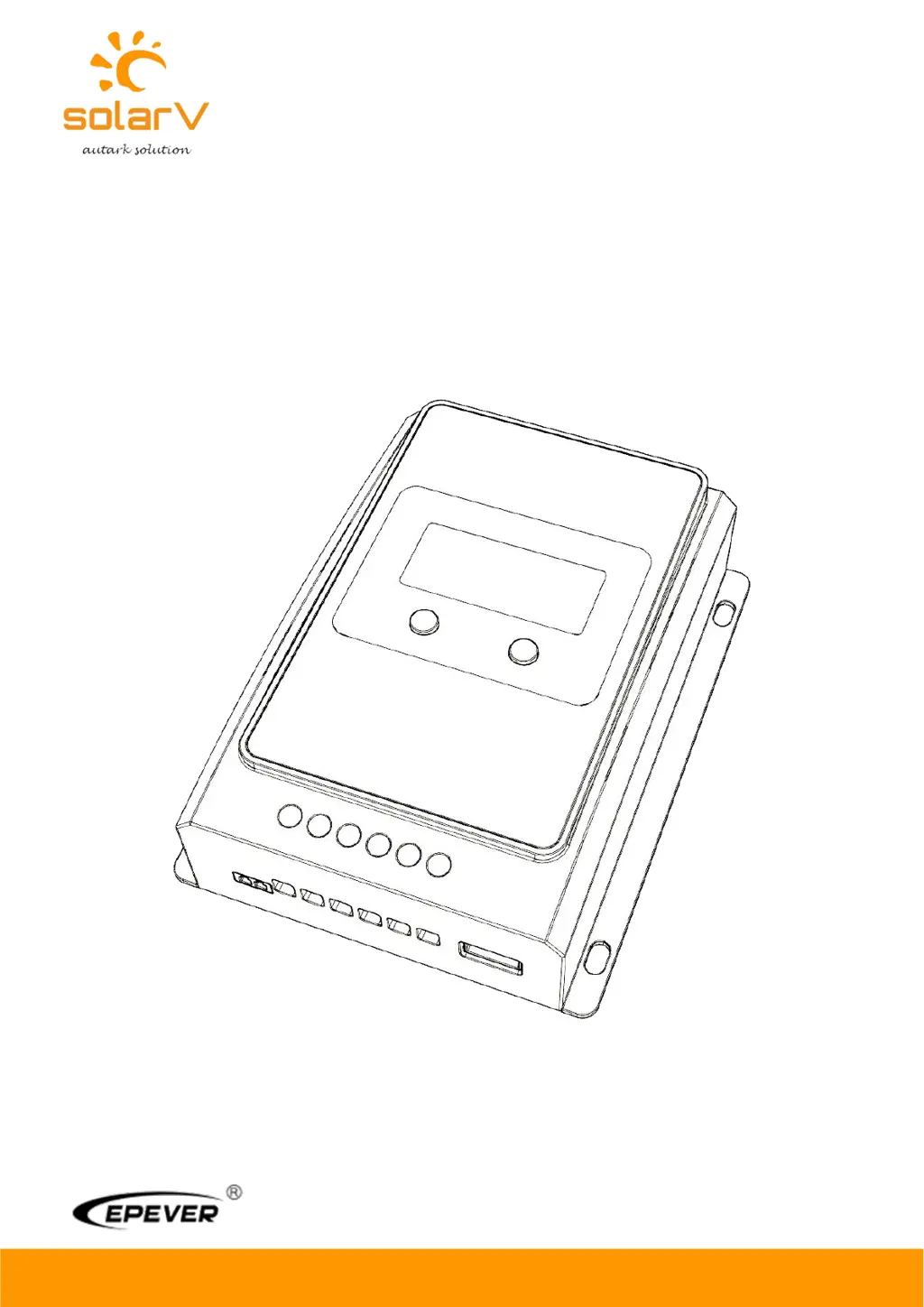
Epever SolarV 1210AN - User Manual

Epever SolarV 1210AN
38 pages
Print Icon
To Next Page IconTo Next Page
Loading...
Copyright
©
2020 SolarV GmbH All rights reserved
www.solarv.de
USER MANUAL
Model:
1210AN
2210AN
3210AN
4210AN
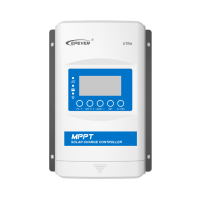
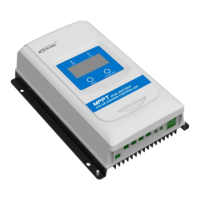
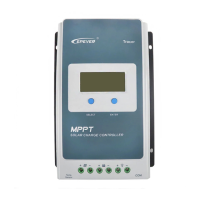
TRACER AN SERIES - MPPT SOLAR CHARGER CONTROLLER

Questions and Answers

  • P
    Paul WhiteJul 25, 2025
    What to do if the Epever Controller battery level shows full, the battery frame blinks, and the fault icon blinks?
    • I
      Isaac WarrenJul 25, 2025
      If the battery level shows full, the battery frame blinks, and the fault icon blinks on your Epever Controller, it indicates a battery over voltage issue. Check if the battery voltage is higher than the OVD (over voltage disconnect voltage), and disconnect the PV.
  • B
    Brenda LeachJul 30, 2025
    What to do if the Epever SolarV 1210AN load is not outputting and the load and fault icons blink?
    • T
      Tyler BowmanJul 30, 2025
      If the load has no output and the load and fault icons blink on the Epever Controller, it means the load is overloaded. Reduce the number of connected electric equipments. You can also try restarting the controller or waiting for one night-day cycle (night time>3 hours).
  • W
    wshawAug 5, 2025
    What to do if the Epever SolarV 1210AN battery level shows empty, the battery frame blinks, and the fault icon blinks?
    • C
      Carlos AlvaradoAug 5, 2025
      If the battery level is empty, the battery frame blinks, and the fault icon blinks on your Epever Controller, it signifies that the battery is over discharged. When the battery voltage is restored to or above LVR (low voltage reconnect voltage), the load will recover.
  • N
    nrobinsonAug 9, 2025
    Why is the Epever SolarV 1210AN not working even though the wire connection is correct?
    • K
      Kristina JonesAug 9, 2025
      If the Epever Controller is not working despite correct wiring, the battery voltage may be too low. Check the battery voltage; it needs to be at least 8V to activate the controller.
  • T
    Timothy OrtizAug 14, 2025
    What to do if the Epever SolarV 1210AN Controller battery level shows empty, battery frame blinks, and fault icon blinks?
    • M
      Megan MartinezAug 14, 2025
      If the battery level shows empty, the battery frame blinks and the fault icon blinks on the Epever Controller, it indicates battery overheating. The controller will automatically turn the system off. It will resume operation once the temperature declines below 55 ºC.
  • B
    bwigginsAug 19, 2025
    How to troubleshoot LCD display issues on the Epever SolarV 1210AN Controller during daytime when sunshine falls on PV modules properly?
    • D
      Don LinSep 12, 2025
      If you are experiencing LCD display issues on your Epever Controller during the daytime with proper sunshine on the PV modules, it might be due to PV array disconnection. Confirm that all PV wire connections are correct and tight.

Summary

Important Safety Instructions

General Safety Information

Provides essential safety guidelines for controller installation and operation.

1.4 Maximum Power Point Tracking Technology

2. Installation Instructions

2.1 General Installation Notes

Provides general guidelines and precautions for controller installation.

2.2 PV Array Requirements

(2) Maximum PV array power

Discusses current/power limiting and PV array power considerations.

2.3 Wire Size

2.4 Mounting

Step 1: Determination of Installation Location and Heat-dissipation Space

Guides on selecting an installation location and ensuring adequate airflow.

Mounting Procedure

Step 2: Connect the system

Outlines the system connection procedure and safety precautions.

System Connection and Power On

Step 5: Powered on the controller

Describes the procedure for powering on the controller and initial checks.

Interface Status and Faults

2) Fault Indication

Lists fault statuses, icons, and their meanings for troubleshooting.

3.3 Setting

3) Battery type

How to select and set the battery type for optimal charging.

User Settings

(3) Setting the control voltage value

Rules for setting control voltage parameters for lead-acid and lithium batteries.

4. Protections, Troubleshooting and Maintenance

4.1.Protection

Lists various protection functions of the controller against electrical faults.

4.2 Troubleshooting

Troubleshooting Steps

PV Array Issues

Troubleshooting steps for PV array disconnection and voltage problems.

Battery Faults

Troubleshooting steps for battery over-voltage and over-discharge.

Load Faults

Troubleshooting for load overload and short circuit issues.

4.3 Maintenance

Maintenance Precautions

Crucial safety warning before performing maintenance operations.

5 Technical Specifications

Epever SolarV 1210AN Specifications

General IconGeneral
ModelSolarV 1210AN
Rated Voltage12V
Rated Charge Current10A
Rated Load Current10A
Max. PV Open Circuit Voltage100V
Max. PV Input Voltage92V
Temperature Compensation-3mV/°C/2V(Default)
DisplayLCD
Charge AlgorithmPWM
Max. PV Input Power130W
Battery TypeSealed, Gel, Flooded, User
Load ControlManual
ProtectionsReverse Polarity
Self-consumption<10mA

Related product manuals