EasyManua.ls Logo

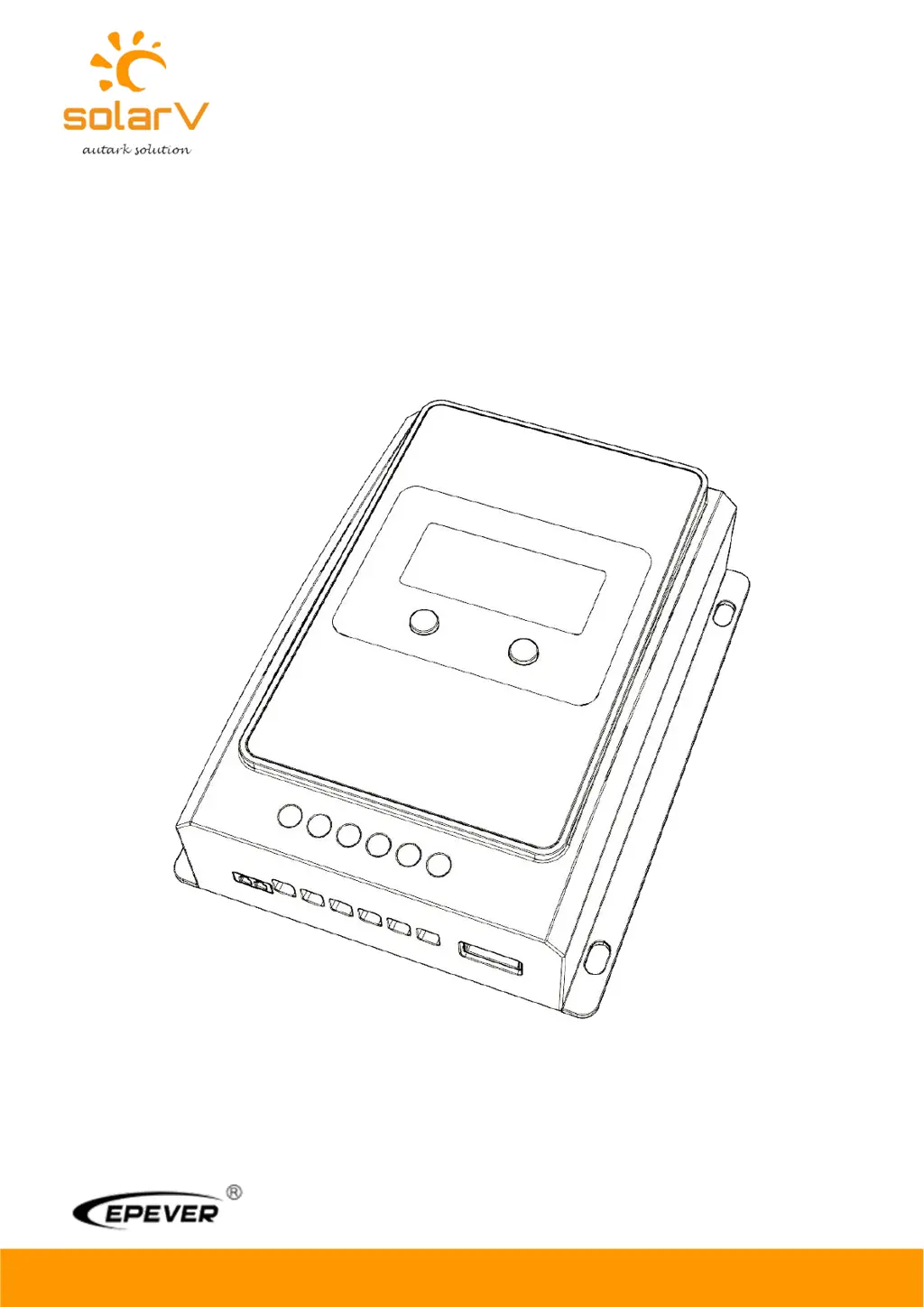
Epever SolarV 4210AN - User Manual

Epever SolarV 4210AN
38 pages
Print Icon
To Next Page IconTo Next Page
Loading...
Copyright
©
2020 SolarV GmbH All rights reserved
www.solarv.de
USER MANUAL
Model:
1210AN
2210AN
3210AN
4210AN
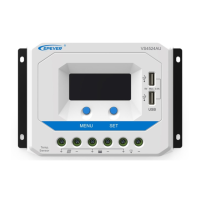
TRACER AN SERIES - MPPT SOLAR CHARGER CONTROLLER

Questions and Answers

  • J
    John KingJul 25, 2025
    What to do if the Epever Controller battery level shows full, the battery frame blinks, and the fault icon blinks?
    • M
      morgan61Jul 25, 2025
      If the battery level shows full, the battery frame blinks, and the fault icon blinks on your Epever Controller, it indicates a battery over voltage issue. Check if the battery voltage is higher than the OVD (over voltage disconnect voltage), and disconnect the PV.
  • L
    Laura PhamJul 31, 2025
    What to do if the Epever SolarV 4210AN Controller load is not outputting and the load and fault icons blink?
    • V
      Virginia ThomasJul 31, 2025
      If the load has no output and the load and fault icons blink on the Epever Controller, it means the load is overloaded. Reduce the number of connected electric equipments. You can also try restarting the controller or waiting for one night-day cycle (night time>3 hours).
  • A
    Amanda GallowayAug 4, 2025
    What to do if the Epever Controller battery level shows empty, the battery frame blinks, and the fault icon blinks?
    • M
      mitchelldavidAug 4, 2025
      If the battery level is empty, the battery frame blinks, and the fault icon blinks on your Epever Controller, it signifies that the battery is over discharged. When the battery voltage is restored to or above LVR (low voltage reconnect voltage), the load will recover.
  • J
    Julie MartinezAug 9, 2025
    Why is the Epever Controller not working even though the wire connection is correct?
    • J
      jared19Aug 9, 2025
      If the Epever Controller is not working despite correct wiring, the battery voltage may be too low. Check the battery voltage; it needs to be at least 8V to activate the controller.
  • E
    Eugene BerryAug 14, 2025
    What to do if the Epever SolarV 4210AN Controller battery level shows empty, battery frame blinks, and fault icon blinks?
    • P
      parker80Aug 14, 2025
      If the battery level shows empty, the battery frame blinks and the fault icon blinks on the Epever Controller, it indicates battery overheating. The controller will automatically turn the system off. It will resume operation once the temperature declines below 55 ºC.
  • A
    Anthony MooreAug 19, 2025
    How to troubleshoot LCD display issues on the Epever Controller during daytime when sunshine falls on PV modules properly?
    • D
      Dylan JonesAug 19, 2025
      If you are experiencing LCD display issues on your Epever Controller during the daytime with proper sunshine on the PV modules, it might be due to PV array disconnection. Confirm that all PV wire connections are correct and tight.

Summary

Important Safety Instructions

General Safety Information

Essential safety guidelines for operating the controller, emphasizing careful reading of manual instructions.

General Information

Installation Instructions

General Installation Notes

Essential guidelines for safe and correct installation procedures, including battery handling and ventilation.

PV Array Requirements

Specifications and conditions for connecting PV modules to the controller, including series connection.

Wire Size Recommendations

Guidelines for selecting appropriate wire gauges for PV array and battery/load connections.

Operation

Parameter Settings

Guide to configuring battery type, clearing energy data, and setting voltage parameters.

Protections, Troubleshooting and Maintenance

Controller Protections

Details on the controller's built-in safety features and fault protections against over-voltage, short circuits, and overheating.

Troubleshooting Guide

Common issues with the controller, their possible reasons, and recommended solutions.

Maintenance Recommendations

Routine inspections and upkeep procedures recommended for optimal performance and longevity.

Technical Specifications

Electrical Specifications

Key electrical ratings, including nominal voltage, charge/discharge current, and MPP voltage range.

Epever SolarV 4210AN Specifications

General IconGeneral
ModelSolarV 4210AN
System Voltage12V/24V Auto
Rated Charge Current40A
Rated Discharge Current40A
Max. PV Input Power520W (12V) / 1040W (24V)
Max. PV Input Voltage100V
Max. Battery Voltage32V
Efficiency≤98%
Charge AlgorithmMPPT
DisplayLCD
Temperature Compensation-3mV/°C/2V (Default)
ProtectionOverload, Short circuit, Reverse polarity
CommunicationRS485
GroundingNegative Ground
Operating Temperature-25°C to +55°C

Related product manuals