EasyManua.ls Logo

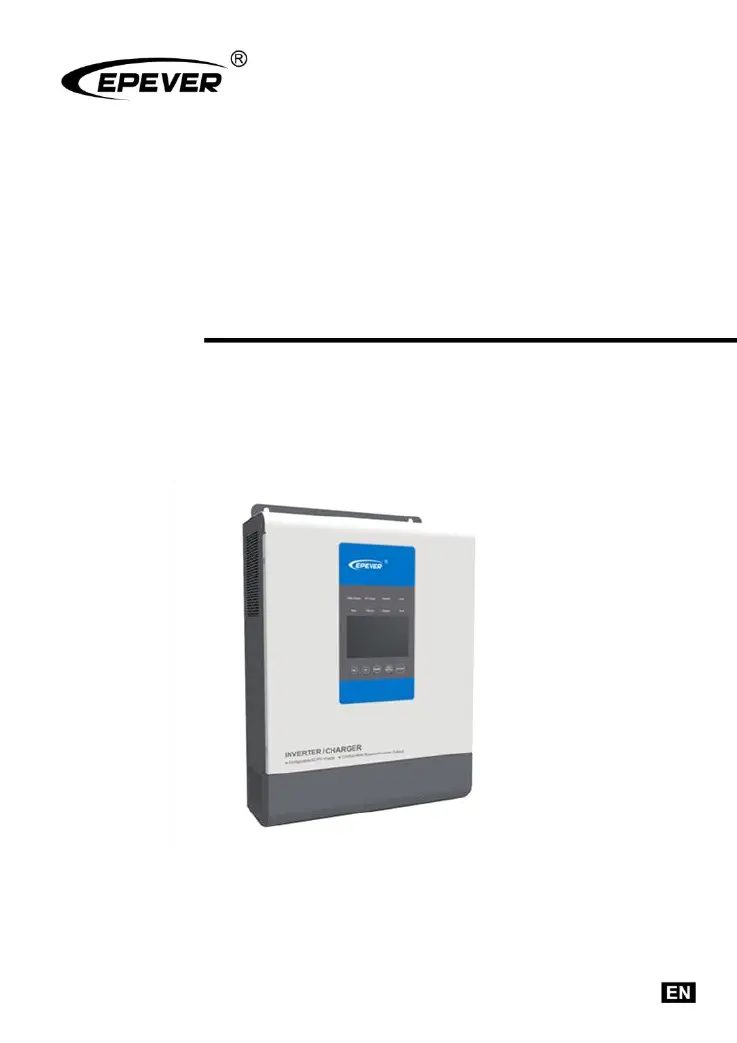
Epever UP3000-M6142 - User Manual

Epever UP3000-M6142
32 pages
Print Icon
To Next Page IconTo Next Page
Loading...
Inverter/charger
User Manual
Models
UP1000/UP1500
UP2000/UP3000
UP5000

Questions and Answers

  • D
    Darrell CampbellAug 7, 2025
    What to do if my Epever UP3000-M6142 Inverter shows output overload?
    • S
      Savannah CollinsAug 7, 2025
      If your Epever Inverter indicates an output overload, reduce the number of connected AC loads. Then, restart the device. Alternatively, change the CFA setting in the interface to the ON position.
  • L
    levi06Aug 11, 2025
    What to do if my Epever UP3000-M6142 Inverter has an output short circuit?
    • P
      peter21Aug 11, 2025
      If the Epever Inverter experiences an output short circuit, carefully inspect the load connections to identify and fix the fault. After correcting the issue, restart the device. You can also try changing the CFA setting in the setting interface to the ON position.
  • R
    rowenAug 17, 2025
    What to do if my Epever UP3000-M6142 Inverter is overheating?
    • B
      Brittney RuizAug 17, 2025
      If the Epever Inverter overheats, it will automatically shut down. It will resume normal operation once the device temperature cools down to below the overheating recovery temperature.
  • B
    Brian CollinsAug 22, 2025
    What to do if my Epever UP3000-M6142 Inverter indicates battery overheating?
    • J
      Justin TurnerAug 22, 2025
      If the battery connected to your Epever Inverter overheats, the inverter/charger will automatically turn off. Once the battery temperature decreases to below the overheating recovery temperature, the inverter/charger will resume normal operation.
  • E
    emmaramirezAug 27, 2025
    Why is my Epever Inverter showing battery over voltage?
    • S
      Steven OlsenAug 27, 2025
      If your Epever Inverter is showing a battery over voltage error, check if the battery voltage is too high. If it is, disconnect the solar modules.
  • K
    Kathleen MurphySep 1, 2025
    How to fix Epever UP3000-M6142 Inverter battery over-discharge?
    • T
      Tara ClarkSep 1, 2025
      To resolve a battery over-discharge issue with your Epever Inverter, allow the battery voltage to rise to or above the LVR (low voltage reconnect) point. Alternatively, replace the battery.

Summary

General Information

Overview

Product overview, features, and key capabilities of the UPower inverter/charger.

Characteristics

Details the physical and electrical characteristics and specifications of the inverter/charger.

Designations of models

Explains the naming convention and model designations for the UPower series.

Schematic Diagram for Connections

Illustrates system connections with PV array, battery, and load for the inverter/charger.

Installation Instructions

General Installation Notes

Provides essential safety and general guidelines for installing the inverter/charger.

Wire Size & breaker

Specifies recommended wire sizes and circuit breakers for PV, utility, and battery connections.

Mounting

Details the physical mounting requirements and clearances for the inverter/charger unit.

Interface Instruction

Indicator

Explains the status and meaning of various LED indicators on the inverter/charger.

Buttons

Describes the function of each button on the inverter/charger control panel.

Real-time interface

Details the real-time display interface, including icons and their meanings.

Setting interface

Explains how to navigate and use the setting interface for common users.

Other function

Covers additional functions like output voltage/frequency switch, dry contact, and remote interface.

Protection

Troubleshooting

Fault

Lists potential faults, their codes, indicators, and associated modules.

Troubleshooting

Provides troubleshooting steps for common faults and issues encountered with the device.

Maintenance

Technical Specifications

Epever UP3000-M6142 Specifications

General IconGeneral
BrandEpever
ModelUP3000-M6142
CategoryInverter
LanguageEnglish

Related product manuals