EasyManua.ls Logo

Epever UP5000-M10342 - User Manual

Epever UP5000-M10342
32 pages
Print Icon
To Next Page IconTo Next Page
Loading...
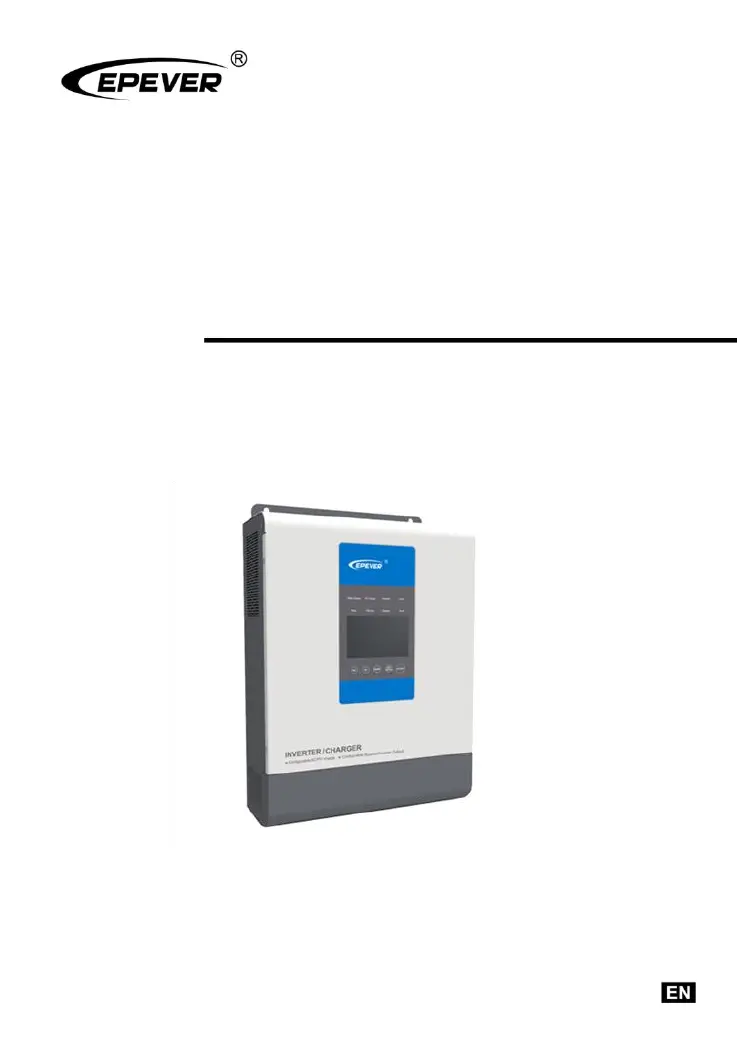
Inverter/charger
User Manual
Models
UP1000/UP1500
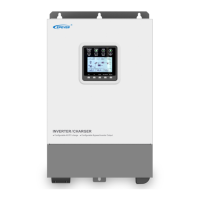
UP2000/UP3000
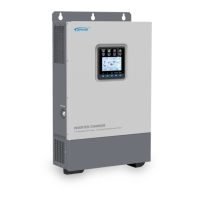
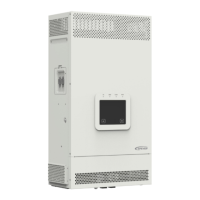
UP5000

Questions and Answers

  • S
    Stanley ValenciaAug 7, 2025
    What to do if my Epever UP5000-M10342 Inverter shows output overload?
    • M
      Mark CastilloAug 7, 2025
      If your Epever Inverter indicates an output overload, reduce the number of connected AC loads. Then, restart the device. Alternatively, change the CFA setting in the interface to the ON position.
  • D
    Denise HayesAug 12, 2025
    What to do if my Epever UP5000-M10342 Inverter has an output short circuit?
    • K
      Kristopher NavarroAug 12, 2025
      If the Epever Inverter experiences an output short circuit, carefully inspect the load connections to identify and fix the fault. After correcting the issue, restart the device. You can also try changing the CFA setting in the setting interface to the ON position.
  • R
    Rachel CarterAug 17, 2025
    What to do if my Epever Inverter is overheating?
    • B
      Brenda FrazierAug 17, 2025
      If the Epever Inverter overheats, it will automatically shut down. It will resume normal operation once the device temperature cools down to below the overheating recovery temperature.
  • T
    tgarrisonAug 22, 2025
    What to do if my Epever Inverter indicates battery overheating?
    • D
      Dr. Nicholas HollandAug 22, 2025
      If the battery connected to your Epever Inverter overheats, the inverter/charger will automatically turn off. Once the battery temperature decreases to below the overheating recovery temperature, the inverter/charger will resume normal operation.
  • L
    Louis ParsonsAug 27, 2025
    Why is my Epever UP5000-M10342 showing battery over voltage?
    • B
      Benjamin BradyAug 27, 2025
      If your Epever Inverter is showing a battery over voltage error, check if the battery voltage is too high. If it is, disconnect the solar modules.
  • W
    wallstevenSep 1, 2025
    How to fix Epever UP5000-M10342 battery over-discharge?
    • T
      Tyler ClarkSep 1, 2025
      To resolve a battery over-discharge issue with your Epever Inverter, allow the battery voltage to rise to or above the LVR (low voltage reconnect) point. Alternatively, replace the battery.

Summary

Important Safety Instructions

Explanation of Symbols

Explains symbols used in the manual for safety and efficient product use.

General Information

Overview of UPower Inverter;Charger

Provides a general introduction to the UPower inverter/charger, its features, and functions.

UPower Characteristics

Details the key characteristics, performance, and physical attributes of the inverter/charger.

Model Designations

Explains the naming convention for different UPower inverter/charger models.

Schematic Diagram for Connections

Illustrates the system wiring diagram for connecting the inverter/charger to PV array, battery, and load.

Installation Instructions

General Installation Notes

Provides essential guidelines and precautions for safely installing the inverter/charger.

Wire Size and Circuit Breaker Recommendations

Specifies recommended wire sizes and circuit breaker ratings for PV, utility, and battery connections.

Mounting Procedures

Details the mounting procedures and clearance requirements for installing the inverter/charger unit.

Grounding Connection

Explains the importance and procedure for making a reliable grounding connection for the inverter/charger.

Interface Instruction

Indicator Lights

Describes the function and status of various LED indicators on the inverter/charger.

Control Buttons

Details the operation and function of the control buttons on the inverter/charger interface.

Real-time Interface Display

Explains the real-time display interface, including system status icons and data presentation.

Setting Interface

Guides users on how to access and configure various setting parameters through the interface.

Other Functions

Covers additional functions like clearing faults, power saving mode, and other operational features.

Protection Features

Troubleshooting Guide

Fault Codes and Indicators

Lists common fault codes and their corresponding modules and indicators for diagnosing issues.

Troubleshooting Solutions

Provides troubleshooting steps and solutions for common faults encountered with the inverter/charger.

Maintenance and Warranty

Technical Specifications

Epever UP5000-M10342 Specifications

General IconGeneral
ModelUP5000-M10342
Rated Power5000W
Max. Input Current18A
Output Frequency50/60Hz
Nominal DC Voltage48V
MPPT Voltage Range120-450V
Nominal Output Voltage230VAC
ProtectionOverload, Over temperature, Short circuit, Reverse polarity, Low voltage, High voltage

Related product manuals