EasyManua.ls Logo

Epever UP5000-M8342 - User Manual

Epever UP5000-M8342
32 pages
Print Icon
To Next Page IconTo Next Page
Loading...
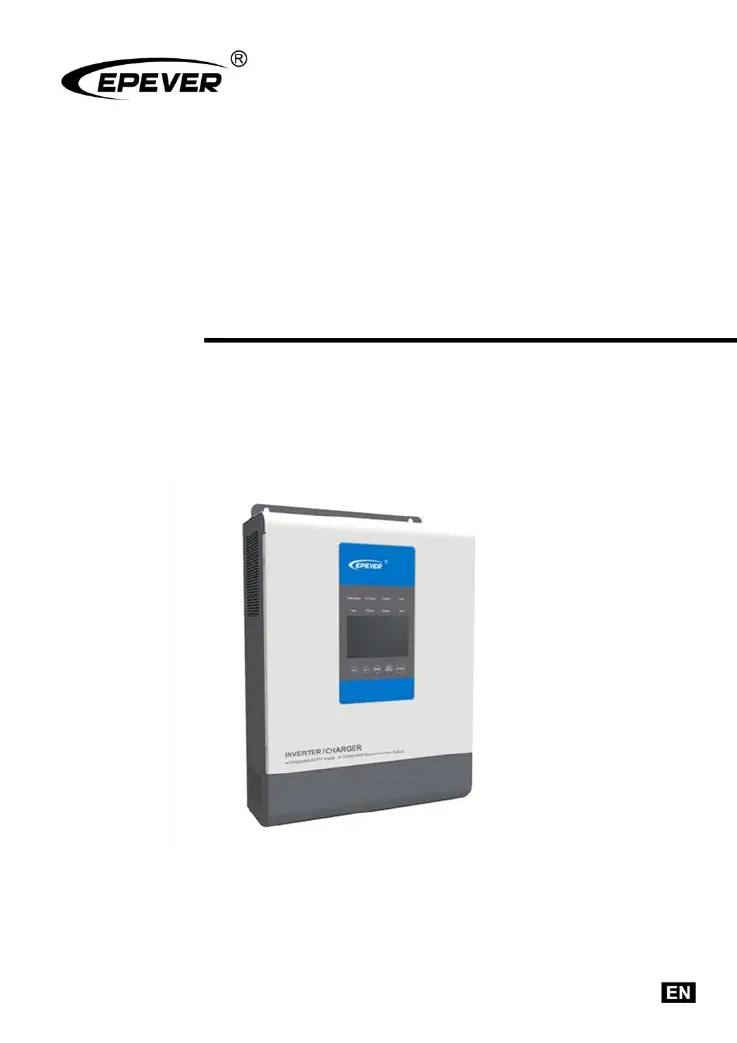
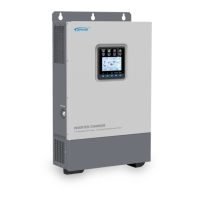
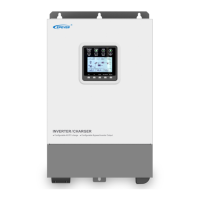
Inverter/charger
User Manual
Models
UP1000/UP1500
UP2000/UP3000
UP5000

Questions and Answers

  • R
    Rachel GarnerAug 7, 2025
    What to do if my Epever Inverter shows output overload?
    • A
      adam02Aug 7, 2025
      If your Epever Inverter indicates an output overload, reduce the number of connected AC loads. Then, restart the device. Alternatively, change the CFA setting in the interface to the ON position.
  • E
    Eileen TaylorAug 12, 2025
    What to do if my Epever UP5000-M8342 Inverter has an output short circuit?
    • M
      mbanksAug 12, 2025
      If the Epever Inverter experiences an output short circuit, carefully inspect the load connections to identify and fix the fault. After correcting the issue, restart the device. You can also try changing the CFA setting in the setting interface to the ON position.
  • C
    Cynthia RobbinsAug 17, 2025
    What to do if my Epever UP5000-M8342 is overheating?
    • R
      raymondmcdanielAug 17, 2025
      If the Epever Inverter overheats, it will automatically shut down. It will resume normal operation once the device temperature cools down to below the overheating recovery temperature.
  • P
    Peggy RamirezAug 22, 2025
    What to do if my Epever UP5000-M8342 Inverter indicates battery overheating?
    • J
      Jennifer ParkerAug 22, 2025
      If the battery connected to your Epever Inverter overheats, the inverter/charger will automatically turn off. Once the battery temperature decreases to below the overheating recovery temperature, the inverter/charger will resume normal operation.
  • B
    Bernard MartinezAug 27, 2025
    Why is my Epever UP5000-M8342 Inverter showing battery over voltage?
    • A
      Andrew PadillaAug 28, 2025
      If your Epever Inverter is showing a battery over voltage error, check if the battery voltage is too high. If it is, disconnect the solar modules.
  • B
    benjamin39Aug 31, 2025
    How to fix Epever UP5000-M8342 Inverter battery over-discharge?
    • A
      angelapatelSep 1, 2025
      To resolve a battery over-discharge issue with your Epever Inverter, allow the battery voltage to rise to or above the LVR (low voltage reconnect) point. Alternatively, replace the battery.

Summary

General Information

UPower Inverter;Charger Overview

Provides a comprehensive overview of the UPower inverter/charger features, capabilities, and key technologies.

UPower Inverter;Charger Technical Characteristics

Details the key technical characteristics, performance metrics, and operational aspects of the UPower inverter/charger.

UPower Inverter;Charger Model Numbering Explained

Explains the coding system used to designate different UPower inverter/charger models, allowing users to identify specific configurations.

UPower Inverter;Charger Wiring Diagram and Connections

Illustrates the schematic diagram for connecting the UPower inverter/charger to PV arrays, utility power, battery banks, and AC loads.

Installation Instructions

UPower Inverter;Charger General Installation Guidelines

Provides essential safety precautions, environmental considerations, and general notes for installing the UPower inverter/charger correctly.

UPower Inverter;Charger Wire Size and Circuit Breaker Recommendations

Details recommended wire gauges and circuit breaker ratings for PV, utility, battery, and AC output connections to ensure safe operation.

UPower Inverter;Charger Mounting Instructions and Location

Guides on selecting the proper mounting location and following the correct procedure for securely installing the UPower inverter/charger unit.

UPower Inverter;Charger Indicator Light Status Meanings

Control Buttons and Interface

UPower Inverter;Charger Control Button Functions

Describes the functions and operations of the control buttons on the UPower inverter/charger for navigation and control.

UPower Inverter;Charger Real-time Interface Display and Icons

Details the real-time interface display, system icons, and their meanings for monitoring UPower inverter/charger status and energy flow.

UPower Inverter;Charger Setting Interface and Parameter Configuration

UPower Inverter;Charger Additional Functions Explained

UPower Inverter;Charger Protection Features Overview

Troubleshooting Guide

UPower Inverter;Charger Fault Codes and Indicator Lights

Lists common fault codes, their descriptions, module sources, and associated indicator lights for diagnosing issues with the inverter/charger.

UPower Inverter;Charger Troubleshooting Steps for Common Issues

Provides step-by-step guidance for troubleshooting common faults like battery over-voltage, overheating, and output overload.

UPower Inverter;Charger Maintenance and Warranty Information

UPower Inverter;Charger Detailed Technical Specifications

Epever UP5000-M8342 Specifications

General IconGeneral
BrandEpever
ModelUP5000-M8342
CategoryInverter
LanguageEnglish

Related product manuals