12
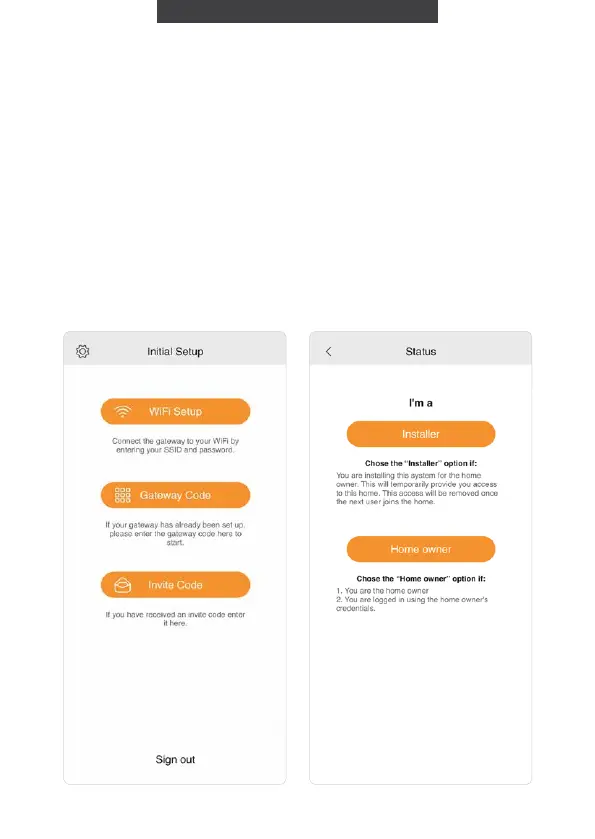
1. Press ‘WiFi Setup’ and you will
be directed to the WiFi Setup
screen.
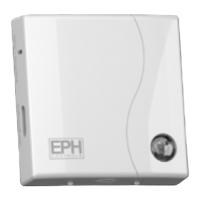
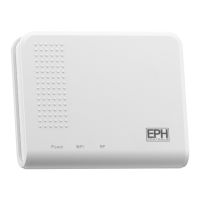
If the WiFi light on the gateway
is green you can choose the
Gateway Code.
Pairing your gateway to
your wireless internet
If you have been given an
invite code, press ‘Invite Code’
and you may then enter the
code to access the home you
have been invited to.


 To Next Page