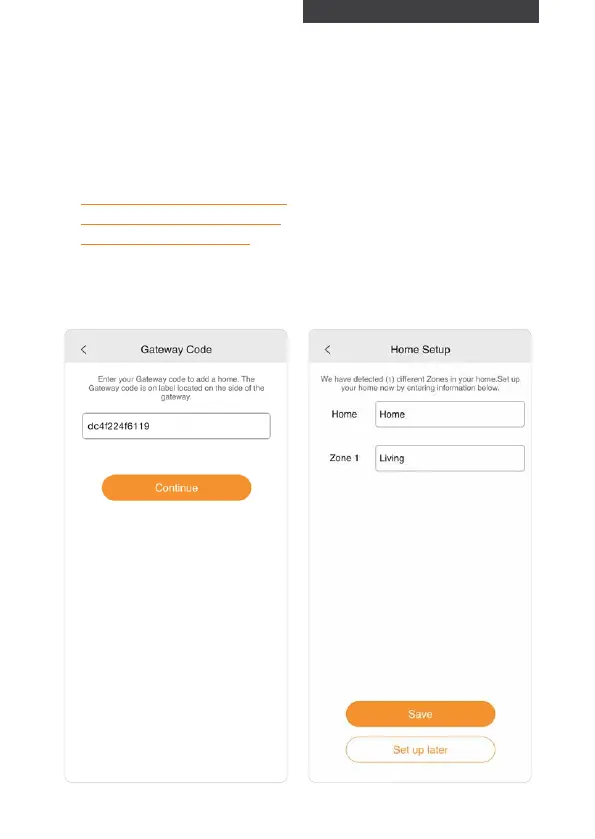
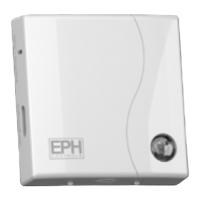
9. Enter the gateway code located
on the gateway housing.
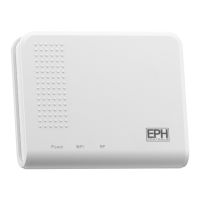
Do not press “Continue” on the
Gateway Code screen until all
3 LEDs are On constantly.
10. Press ‘Continue’ once only.
Home Setup appears on the the
screen.
1. Enter the Hom name.
2. Enter the Zone names.
(It is not
possible to rename the Hot Water zone.)
3. Press ‘Save’ to continue.
Note: It is recommended to use unique
zone names if you are planning to use
the Alexa or Google Assistant voice
control function.
Home Setup
15


 To Next Page