29
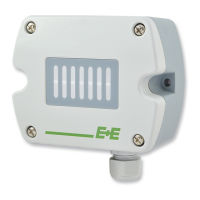
EE33 Humidity / Temperature Sensor for High Humidity and Chemical Applications
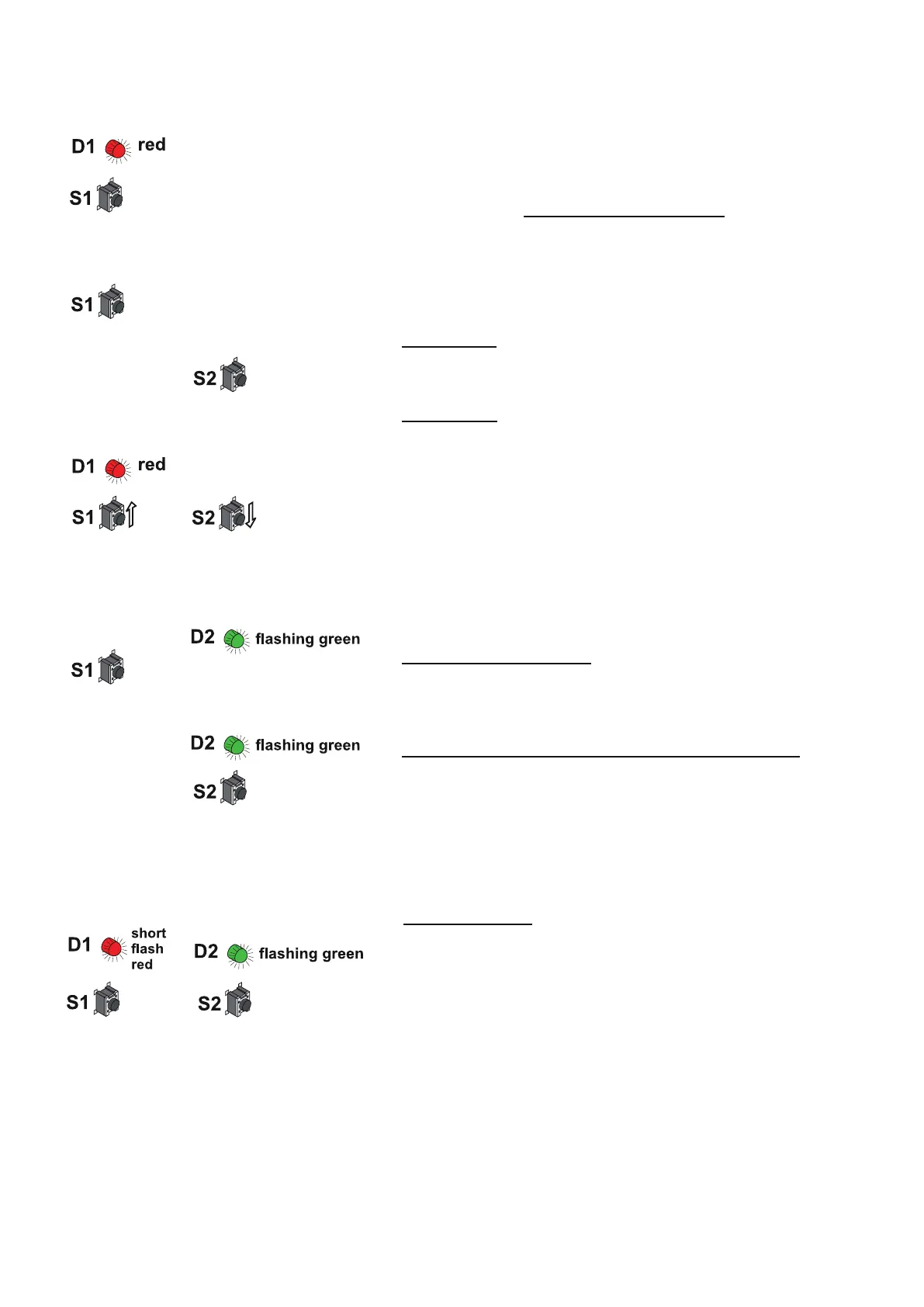
1-point temperature calibration procedure on the circuit board:
1. Insert the sensor probe into the reference temperature
(calibration point) and stabilise for at least 30 minutes.
2. BUTTON S1: Pressing the button for 5 seconds starts the
procedure for the calibration mode temperature. The calibration
mode is indicated by the lit LED "D1" on the circuit board
3. BUTTON S1: Pressing the button for 5 seconds starts the
procedure. The calibration mode is indicated by the symbol
"CALIB HIGH" on the optional LC display (CP ≥ 45°C / 113°F).
or
BUTTON S2: Pressing the button for 5 seconds starts the
procedure. The calibration mode is indicated by the symbol
"CALIB LOW" on the optional LC display (CP < 45°C / 113°F).
4. BUTTON S1 (up) and S2 (down): Pressing one of the two
buttons will adjust the measuring value in steps of 0.1°C up or
down to the reference value. The actual measuring value is
indicated on the display or can be measured with the analogue
output.
5. BUTTON S1 (store): Pressing the button for 5 seconds
stores the calibration value and the procedure is ended. LED
"D2" flashes to indicate exiting of the calibration mode and the
symbol "CALIB LOW" or "CALIB HIGH" will disappear from the
optional LC display.
BUTTON S2 (cancel): Pressing the button for 5 seconds the
calibration procedure will be ended without storing the
calibration values. LED "D2" flashes to indicate exiting of the
calibration mode and the symbol "CALIB LOW" or "CALIB
HIGH" will disappear from the optional LC display.
“CALIB HIGH”
“CALIB LOW”
9.5 Resetting the Customer Calibration to the Factory Calibration
on the Circuit Board
1. RH + T RESET: BUTTON S1 and S2: In neutral mode
pressing both buttons simultaneously for 10 seconds customer
calibration settings are reset to factory calibration.
A short flash of the LED "D1" indicates the reset.
or


 To Next Page