Epomaker GK96S/SK96S Extended Manual Version 1.2
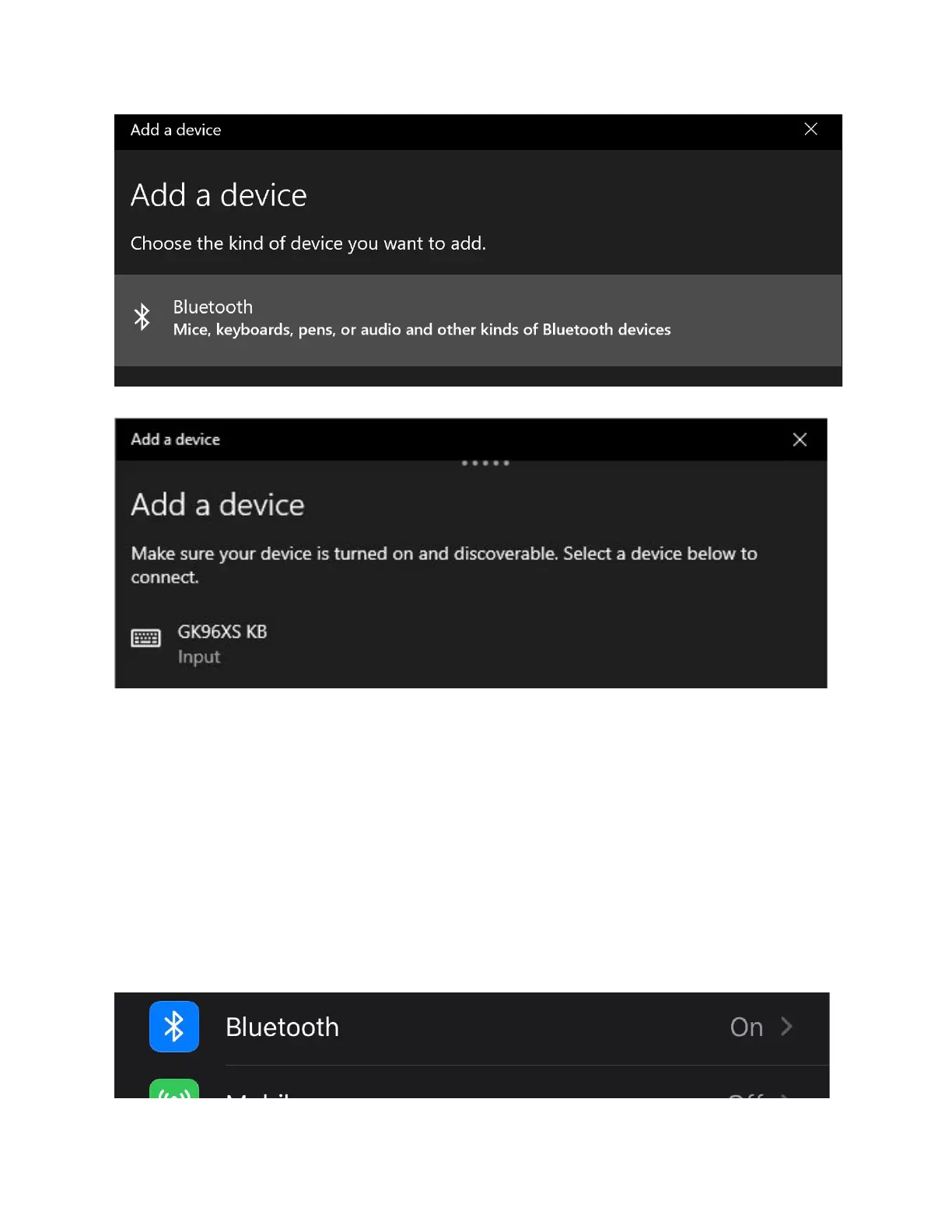
7. Select “Bluetooth” from the add devices section.
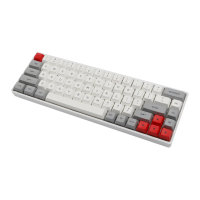
8. Select the “GK96XS/SK96XS KB” From the selection
Your device will then be paired on that specific button. To disconnect/reconnect the keyboard,
press the same button until the button turns white.
iOS Bluetooth Setup
1. First, charge the keyboard via a USB port on your computer until it has decent charge.
2. Power on the keyboard using FN + Space. This will put your Epomaker in bluetooth
mode.
3. Long Press Either FN + 1, FN + 2, or FN + 3 for about three seconds. The key will start
to flash red and green. This means that the keyboard is in pairing mode.
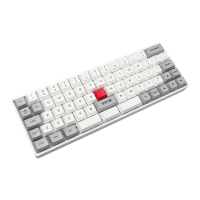
4. Press the “Settings” Application from the home section on your iDevice.
11


 To Next Page