Epomaker GS66 Extended Manual Version 1.0
When your device is connected to your iPhone, it should show as “Connected”.
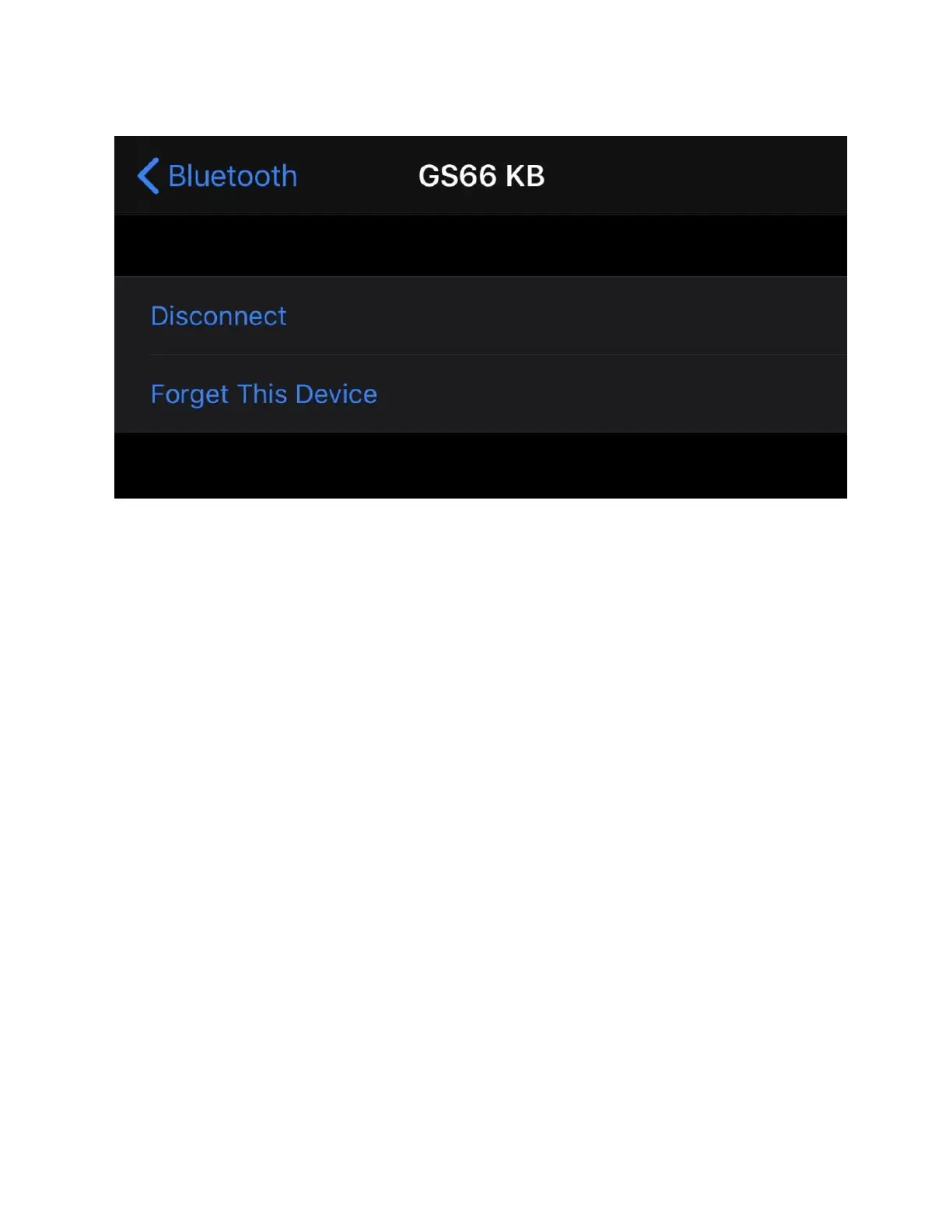
Note: If you want to disconnect the device, you can press the information icon on the side, and
then select “Disconnect” or “Forget this device”. Your device will then be paired on that specific
button. To disconnect/reconnect the keyboard, press the same button until the button turns
white.
18



 To Next Page