Epomaker GS66 Extended Manual Version 1.0
4. Select your desired keyboard layout from this section. You can then change between
these layouts using Win + Space.
MacOS
In this case, we will be adding the Dvorak layout to our MacOS keyboard preferences. This Mac
is running MacOS Catalina.
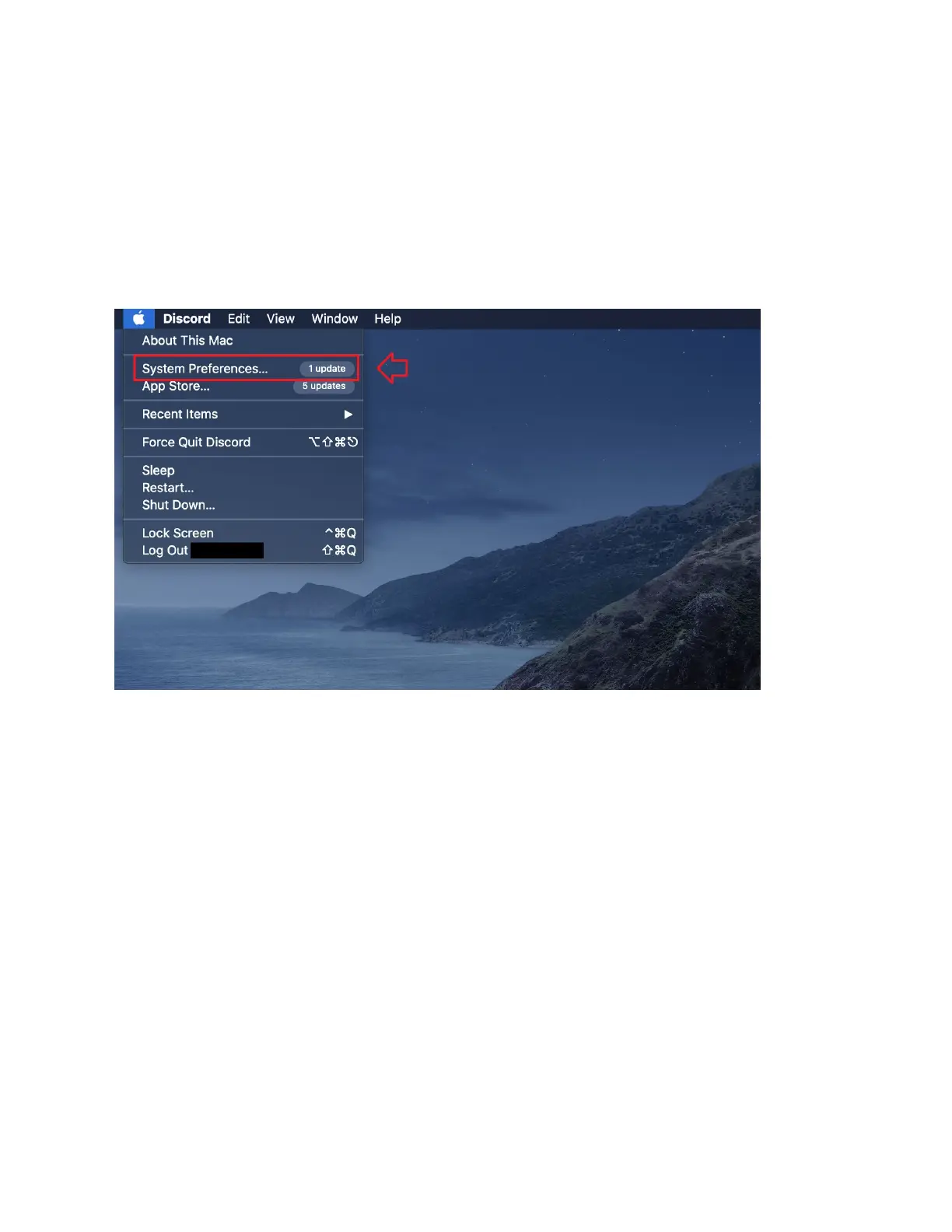
1. Go to the Apple Main Menu, and select “System Preferences”
47



 To Next Page