Epomaker GS66 Extended Manual Version 1.0
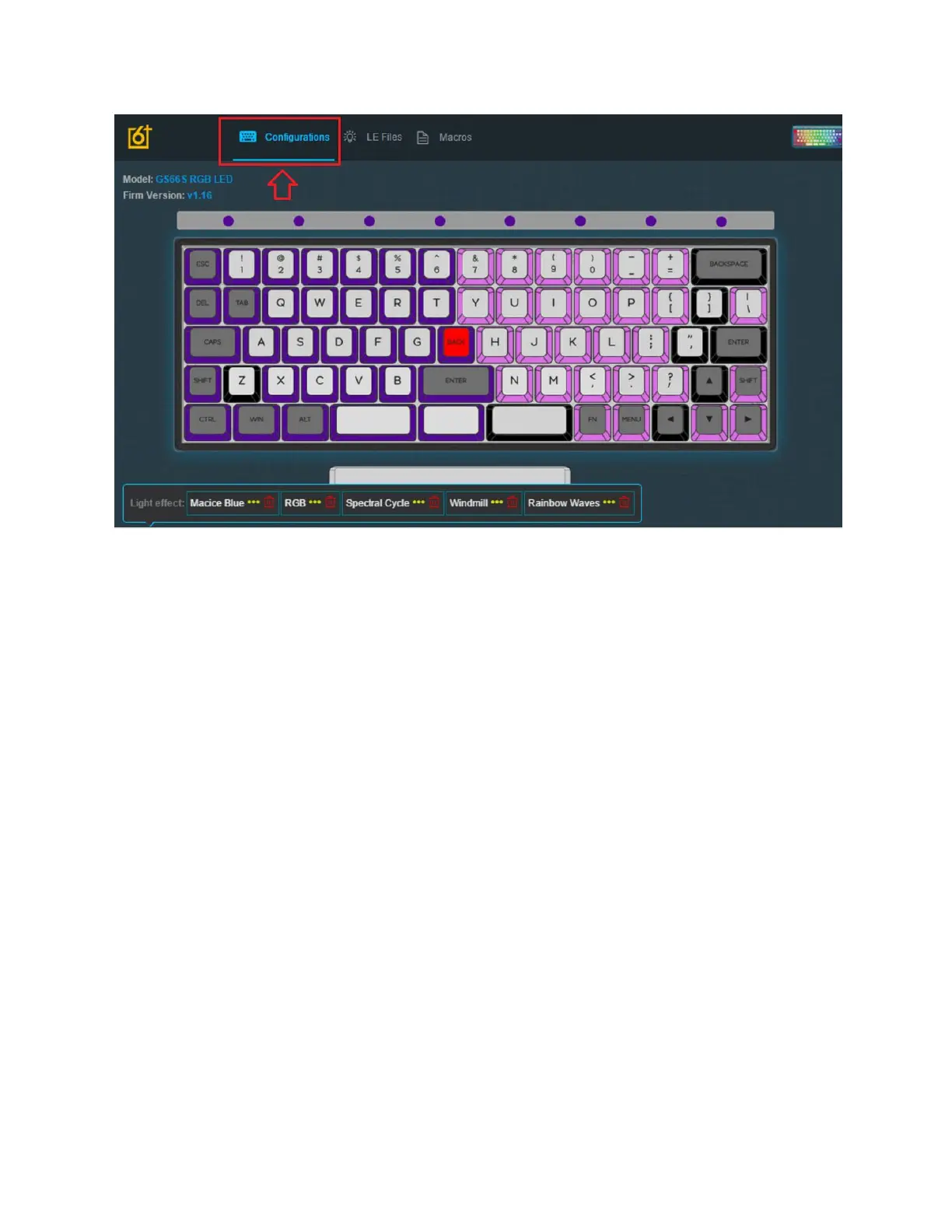
8. Go back to the configurations tab, and then select your LE File you created.
9. Click View, then Apply and Save.
Edit Driver Layer Colours
The driver layer will only work when the device is in wired mode, so in order to edit the colours
in the driver layer you can’t use bluetooth.
1. Launch the software with the keyboard connected in wired mode. The keyboard must
use the cable given, or a USB-C to USB-A cable. The USB-A connection gives the driver
to detect the software. You can use a dongle to connect your keyboard to a USB-A
connection on a Mac.
32



 To Next Page