Epomaker GS66 Extended Manual Version 1.0
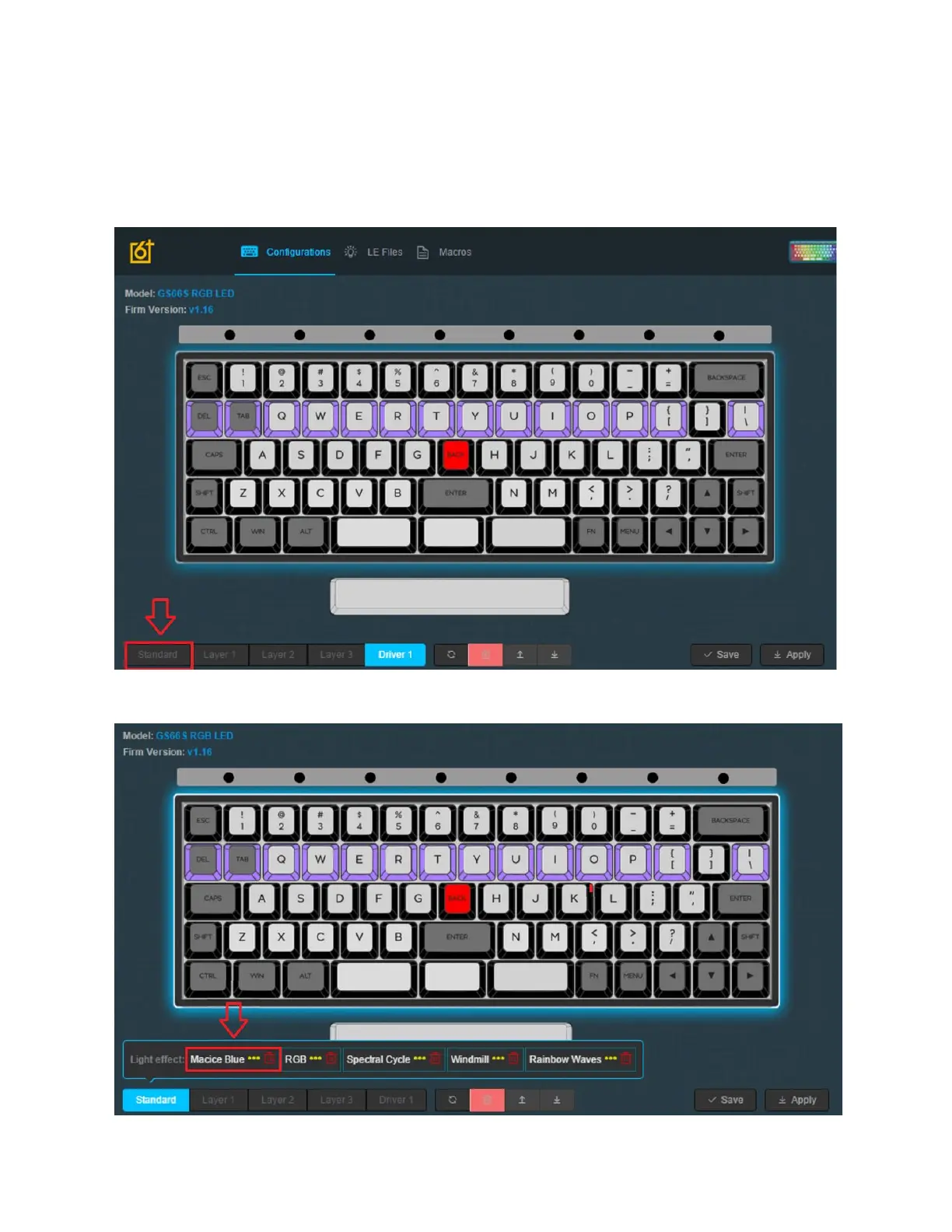
1. Launch the software with the keyboard connected in wired mode. The keyboard must
use the cable given, or a USB-C to USB-A cable. The USB-A connection gives the ability
for the driver to interface and detect the software. You can use a dongle to connect your
keyboard to a USB-C connection on a Mac.
1. When the software is installed, please launch it and press the “Standard Layer”.
34



 To Next Page