Epomaker GS66 Extended Manual Version 1.0
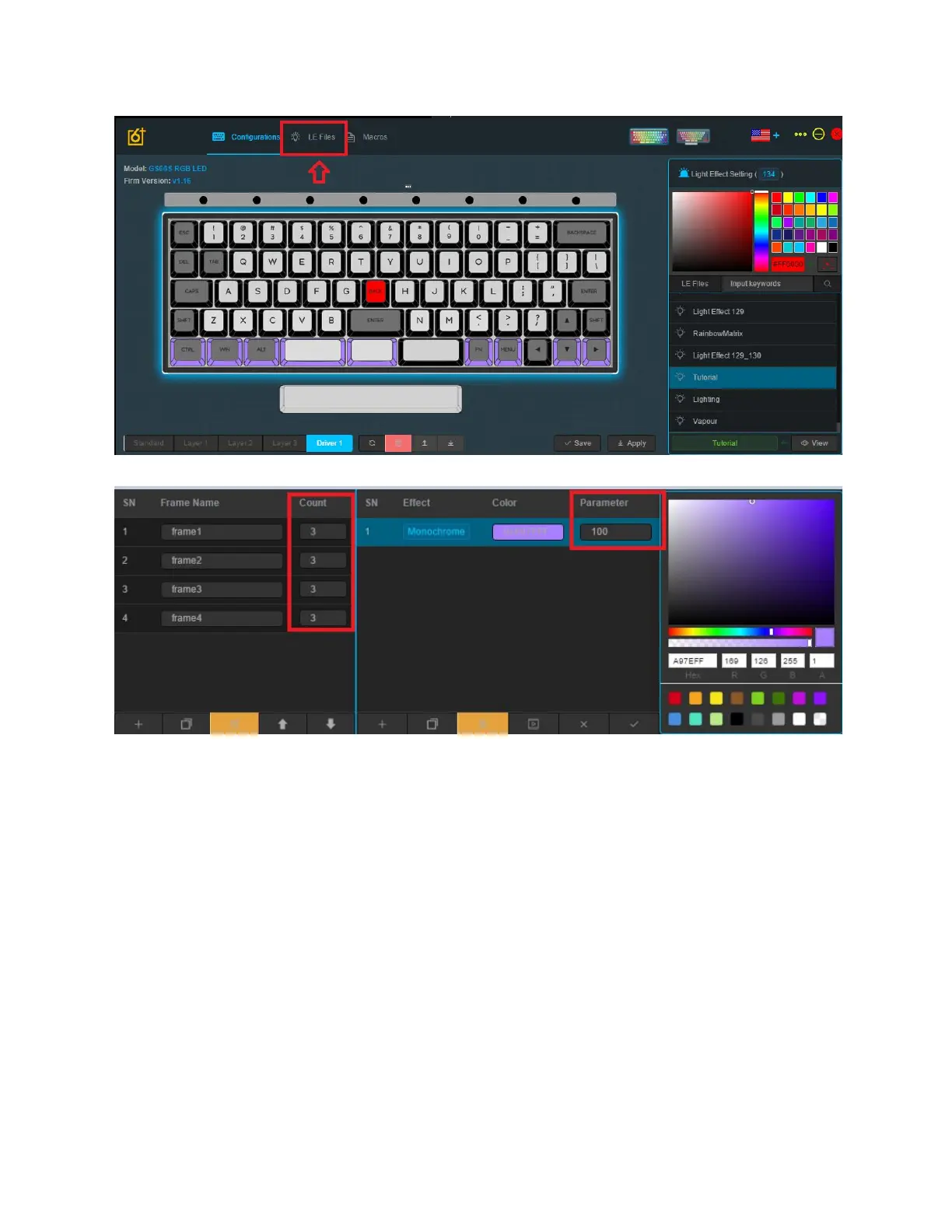
1. Select the “LE Files” Tab. This is the location for editing all your lighting effects.
The frames will be the timing that different layers of effects will happen on the keyboard. The
parameter will adjust the length and duration of your lighting effect. So the higher the value is for
the parameter, the longer it will take for the keyboard to change the colour. For example, with
the breathing effect, the light change will be slower, and for flashing the flash will be slower at
higher values.
38



 To Next Page