BIOS
Page 4-9
FSB Frequency
Enables you to set the CPU frontside bus speed. Enables you to subtle tuning FSB.
CPU Interface
Allows you to set CPU/FSB parameters for CPU most stable or overclocked.
Options: Optimal, Aggressive.
Memory Frequency
Enables you to select the memory frequency.
Options: By SPD, 50%, 60%, 66%, 75%, 80%, 83%, 100%, 120%, 125%, 133%, 150%,
166%, 200%, Auto.
BSFyromeM/DPStesdeepSdnacnysA/cnyS
002002002cnyS
002662002cnyS
002333002cnyS
002004002cnyS
662002002/662cnysA
662662662cnyS
662333662cnyS
662004662cnyS
333002002/333cnysA
333662662/333cnysA
333333333cnyS
333004333cnyS
Memory Timings
For setting DRAM Timing.
Options: Optimal, Aggressive, Turbo, Expert.
T (RAS)
This item specifies the number of clock cycles needed after a bank active command
before a precharge can occur (sets the minimum RAS pulse width.).
Options: 1 ~ 15.
T (RCD)
This item sets the timing parameters for the system memory such as the CAS (Column
Address Strobe) and RAS (Row Address Strobe).
Options: 1 ~ 7.
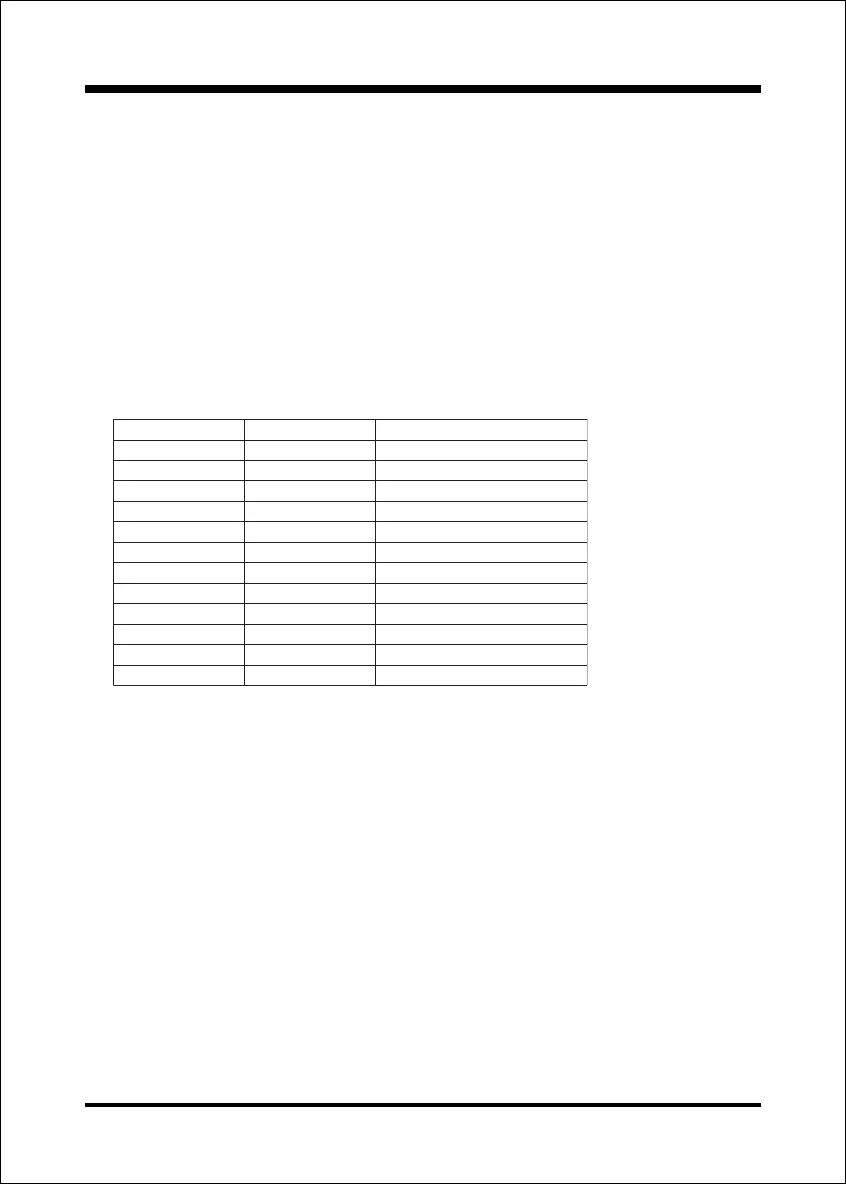
Below is a list of Auto mode table for reference.
Note: Auto mode ensures the memory init module initializes the memory controller for
the best performance based on the FSB and DDR SPD capabilities.



 To Next Page