Operation
Centrifuge 5424/5424 R
English (EN)
26
5.3 Menu navigation
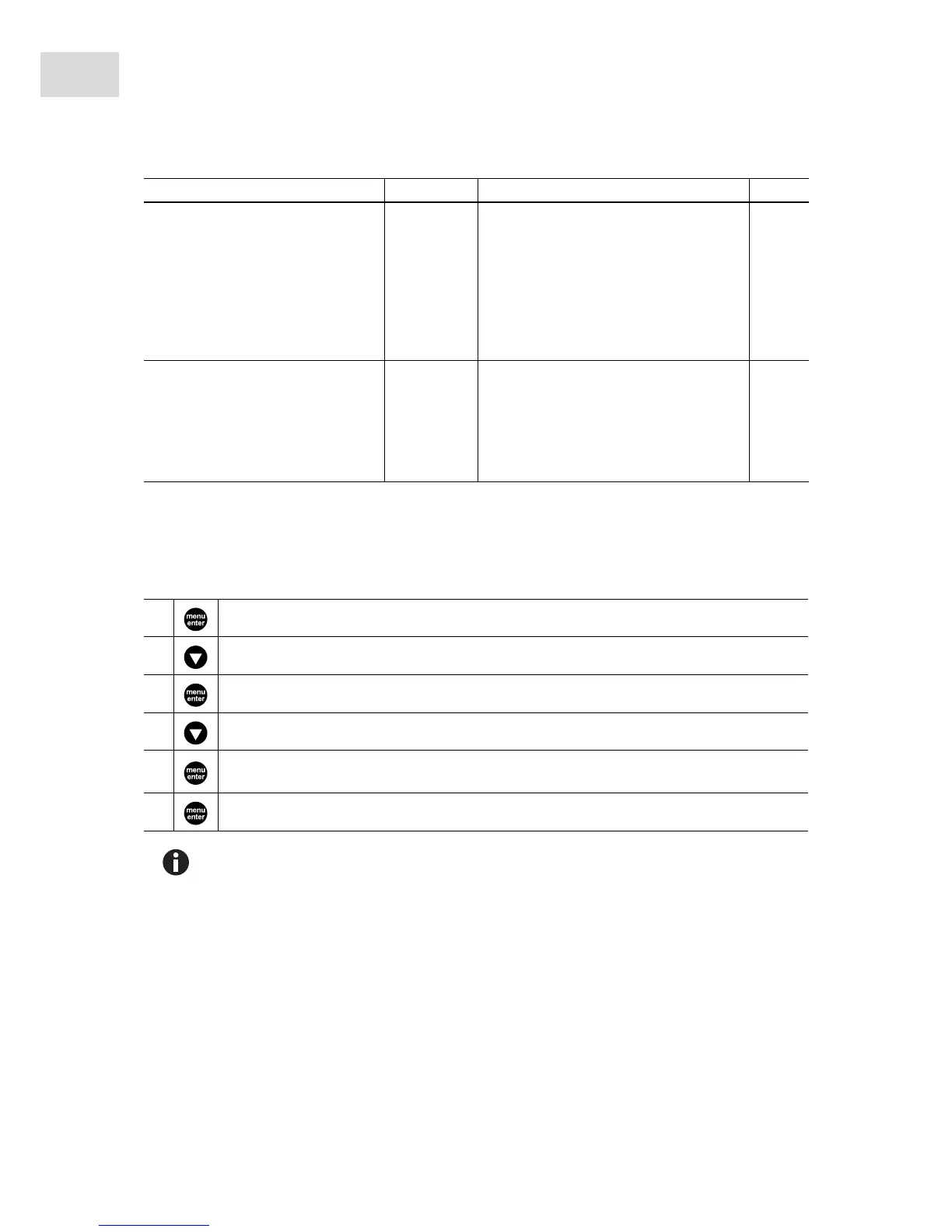
To change settings in the device menu, proceed as follows:
5.4 Preparing for centrifugation
5.4.1 Switching on the centrifuge
1. Switch the centrifuge on using the mains/power switch.
The centrifuge lid opens automatically after switching on using the mains/power switch.
2. Open the closed centrifuge lid by pressing the open key.
The parameter settings of the last run are displayed.
SLEEP
Standby mode
On If the centrifuge has not been used for 15
min and the standby mode has been
switched on, it switches to standby mode.
The EP logo then appears in the display.
When a button or knob is used or the
centrifuge lid is closed, the centrifuge is
reactivated. It is then ready for operation.
OFF Standby mode deactivated.
LID (only 5424)
Lid release, from software
version 2.2.
AUTO The centrifuge lid opens automatically
after centrifugation.
OFF The centrifuge lid must be manually
opened with the open key after
centrifugation.
1. Open the menu.
2. Select the desired menu item.
3. Confirm your selection.
4. Select the setting of the parameters in question.
5.
Confirm the changed setting.
The BACK menu item belonging to the first menu level appears.
6. Exit the menu.
To exit the second menu level without changing a parameter, select the BACK menu item and
confirm with menu/enter.
Level 1 (M I) Level 2 (M 2) Function Display



 To Next Page